Building a Simple Desktop Calendar with a Raspberry Pi 3
First off, you need:
- A Raspberry Pi 3
- Ubuntu Mate or another OS that’ll run, at minimum with internet access
- A screen
Then you can get started.
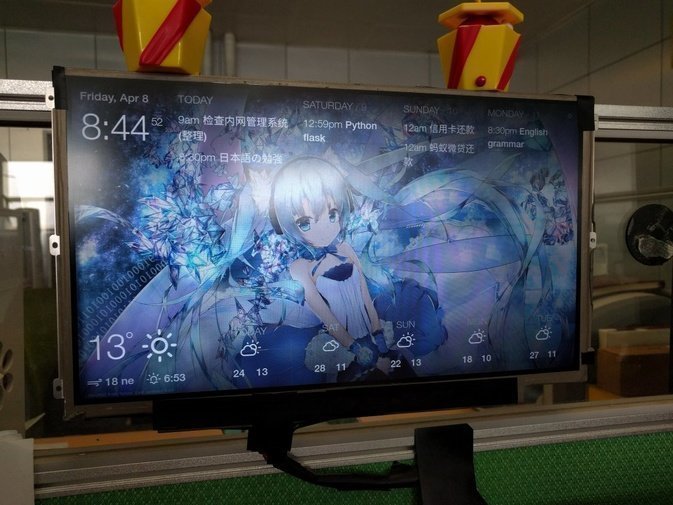
Honestly this has almost nothing to do with the Pi itself anymore—all you need is a browser on it. Oh, and remember to disable the screensaver so the screen stays on. At least Ubuntu Mate Pi can do it; Raspbian flat-out refuses, and the complaints on the official forums go ignored.
Open the site:
Sign up and log in.
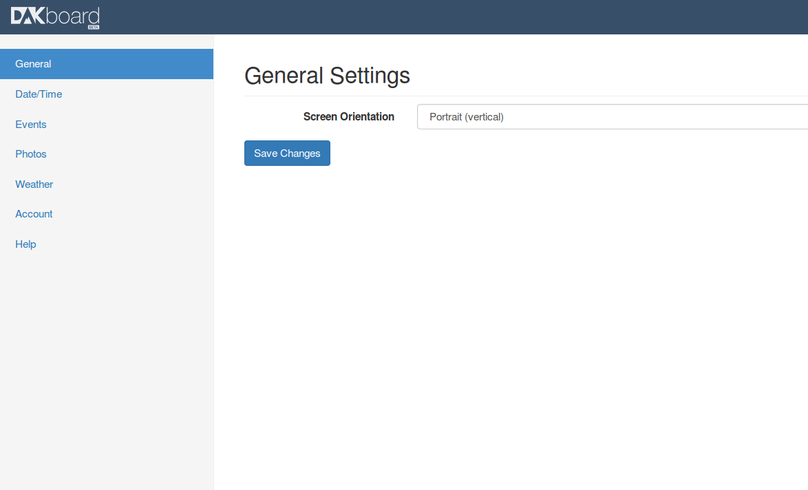
There’s a lot you can configure in the backend, so set it up properly. The Calendar can pull from Google Calendar—you just need to make your calendar’s ical file address public. Other options work too.
The most important feature is that it can link to your Dropbox and cycle background images like a slideshow, pulling from a folder you specify and rotating through them continuously.
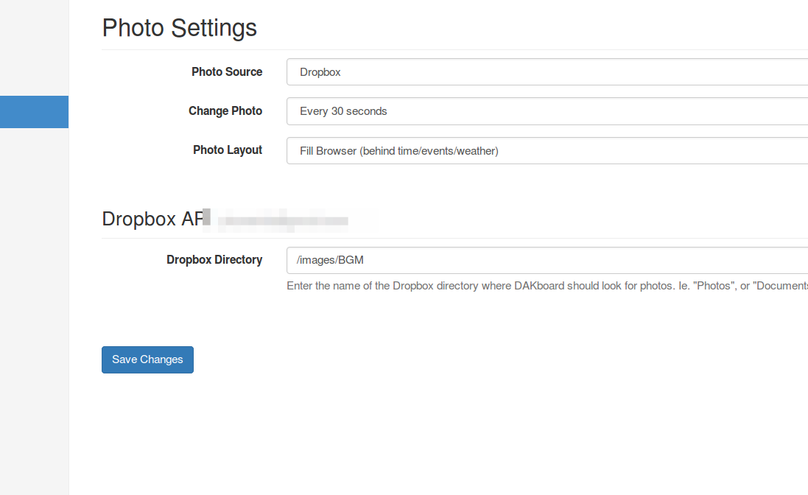
At the end you might find the images won’t display after setup, because they got blocked. I’m not saying you have to VPN on the Pi—there are other ways: let the site handle the caching itself.
In Account Settings, generate your own link, then open that link’s page on the Pi. That link lets images show without needing a VPN.
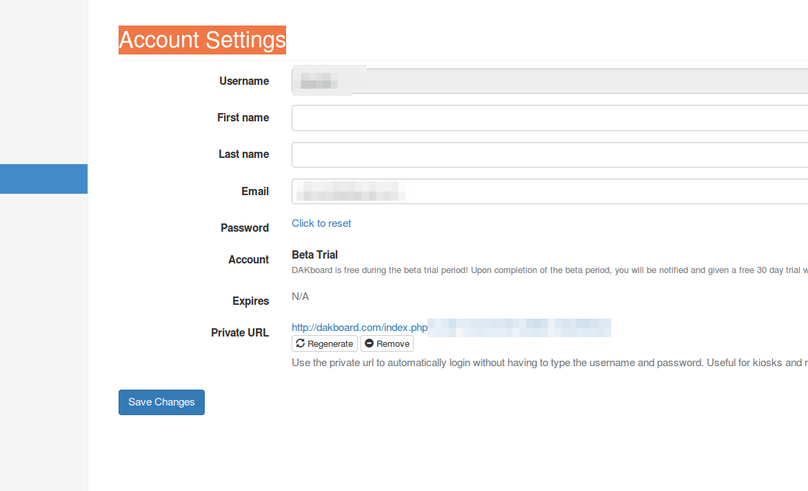
Then enjoy. Maximize the browser, turn off auto-sleep, done. This doesn’t have to be a Pi, of course—use a bigger screen, a different computer, or even a small window.
Lastly, Dakboard is in public beta right now and free. Word is it’ll cost $15 a year once it goes paid. Free for now, so use it while you can—worry about rolling your own when they start charging.
Comments are hosted on the Chinese main site. This mirror is read-only.