Playing HEVC H265 Video on Linux with MPV + SMPlayer
After sorting out HEVC playback, I ran into a new problem: playing this stuff in VLC is laggy as hell.
Did some digging and found a few pretty depressing results.
- HEVC needs hardware decoding to guarantee absolutely smooth playback and low usage.
- My CPU is Broadwell, so hardware decoding is rough, and on top of that it’s a Linux environment — rough on top of rough. Put simply: not supported.
- The libraries VLC’s support calls into need at least Ubuntu 16.04 to basically work, and I just rolled back from 16.04.
So is there no way out? Of course there is — just switch players.
The most powerful player right now is still MPV. Installing and using it on Ubuntu needs a PPA:
sudo add-apt-repository ppa:rvm/smplayer
sudo add-apt-repository ppa:mc3man/mpv-tests
sudo apt-get update
sudo apt-get dist-upgrade
sudo apt-get install mpv smplayer smtube smplayer-themes smplayer-skins youtube-dl
You don’t have to install youtube-dl, but if you want to try calling MPV from the browser to play YouTube, keep it.
I used SMPlayer a long time ago, back when it still called Mplayer — didn’t have a great impression of it, but things are totally different now.
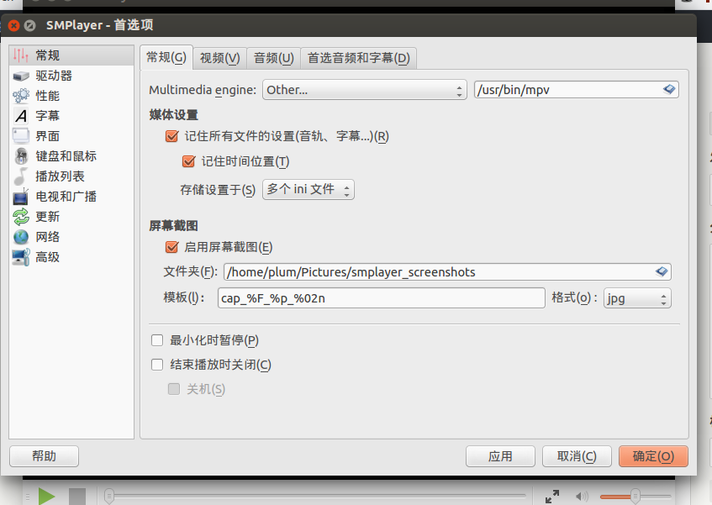
Once you pick MPV as the engine it basically works. If you want GPU acceleration you can try enabling vaapi, though supposedly Intel only officially supports HEVC on Linux starting from Skylake.
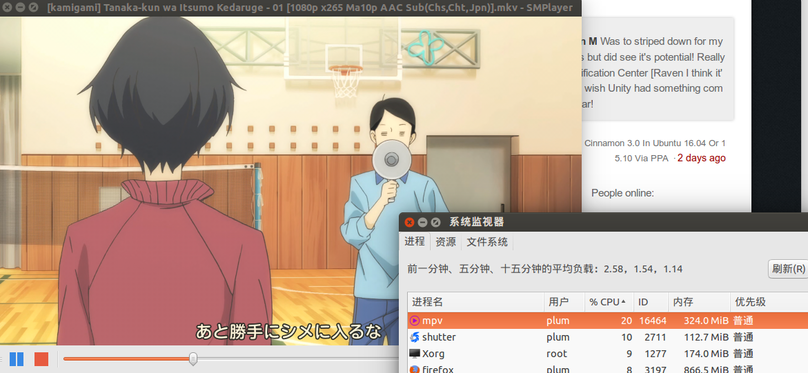
Even if GPU acceleration isn’t guaranteed, smooth playback is no longer a problem, and usage is low too.
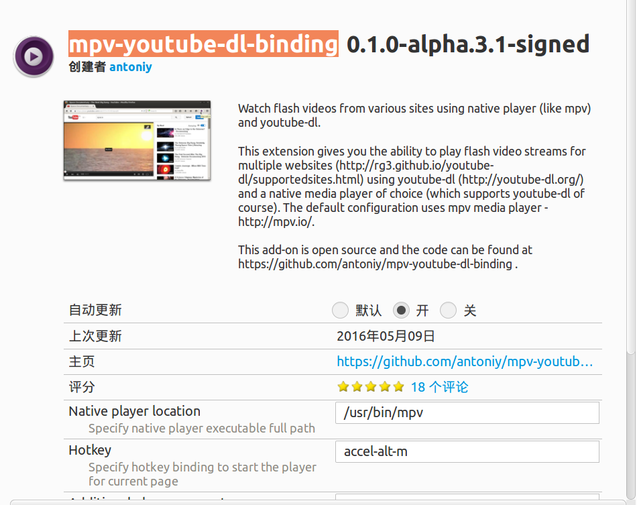
If you feel like it you can install Firefox’s Watch with MPV extension — supposedly it calls MPV to play YouTube videos, but I never got it working and I don’t care about it anyway…
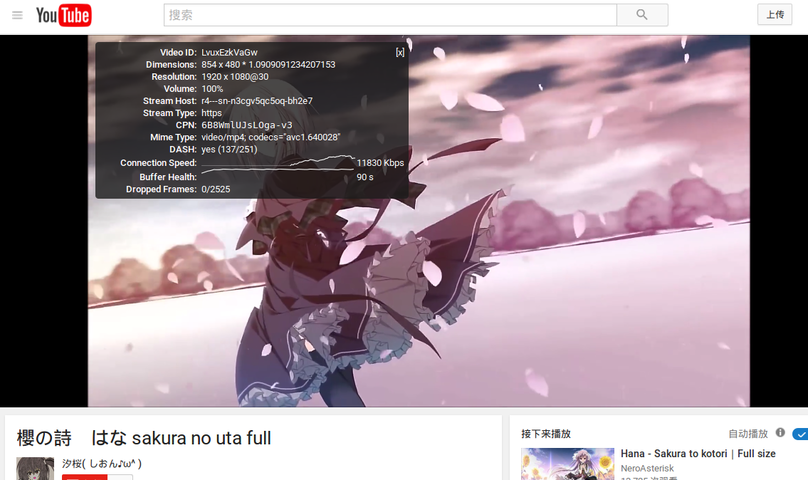
One last thing I found: YouTube’s HD is all VP9 video, and on Linux official VP9 hardware decoding only starts at Skylake too. My junk CPU has no chance. Forcing it on blindly just wastes battery like crazy, so better to disable it and go back to H264 — actually smoother that way.
Comments are hosted on the Chinese main site. This mirror is read-only.