Installing Games on an HP 39Gs Calculator
I picked up this HP 39Gs calculator on Taobao for 10 yuan, for the reason… I honestly don’t know the reason. Probably because it was cheap. You can install apps on this thing — originally meant for extending calculation methods, though of course someone eventually made games for it.
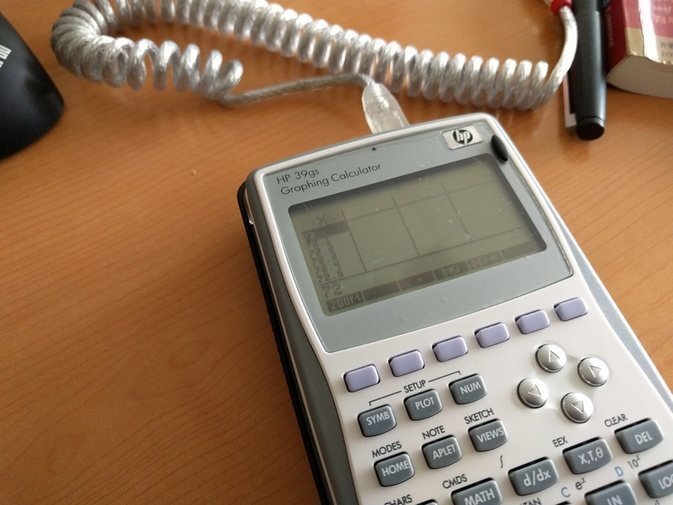
Installing is simple, but because the thing is so old it’s still a bit of a hassle. First you need to download the driver. If you’re on 32-bit, you can grab it here:
http://www.hpcalc.org/hp39/pc/
Windows can just download it directly too — 32-bit doesn’t need a driver, just install this and plug it in:
http://www.hpcalc.org/hp39/pc/hpconn3x40gs.zip
64-bit still needs a driver, though:
https://driverscollection.com/?H=39gs%20Graphing%20Calculator&By=HP&SS=Windows%207%2064-bit
Anyway, once it’s all installed, open that connectivity manager in compatibility mode, and once it connects you’ll see the desktop file manager. Which is useless, honestly. What you actually want to do is go here, download the games and extract them:
http://www.hpcalc.org/hp39/games/
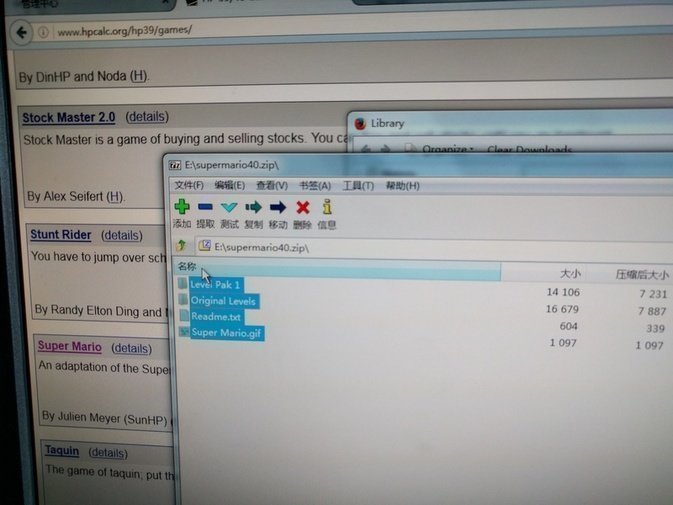
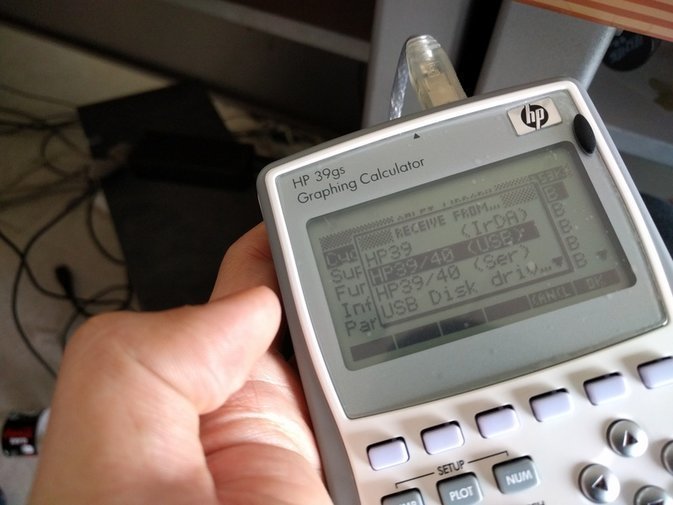
Then on the calculator, pick Aplet and hit Receive, from USB connection. The PC side will pop up a send-file dialog — send the game files with the 000 extension over, and then you can play.
Before you play, though, I’d suggest reading the Readme.txt in the game archive. It has the controls, so at least you’ll know how to quit.
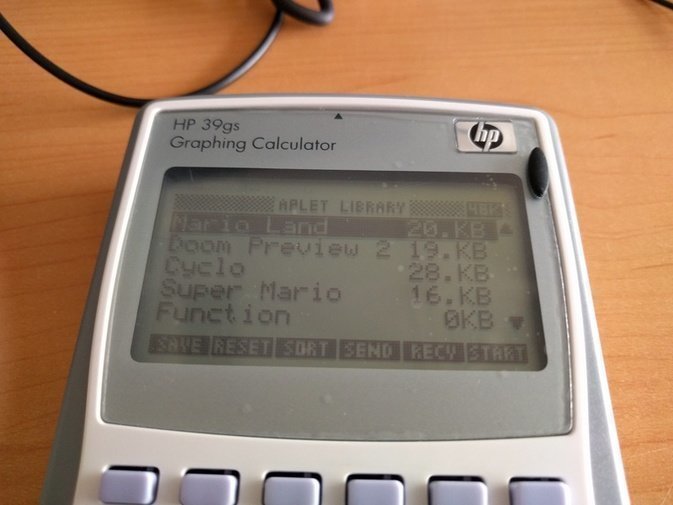
Actually playing it is painful. Genuinely painful. I played for a bit and my ass was already hurting, especially with DOOM.
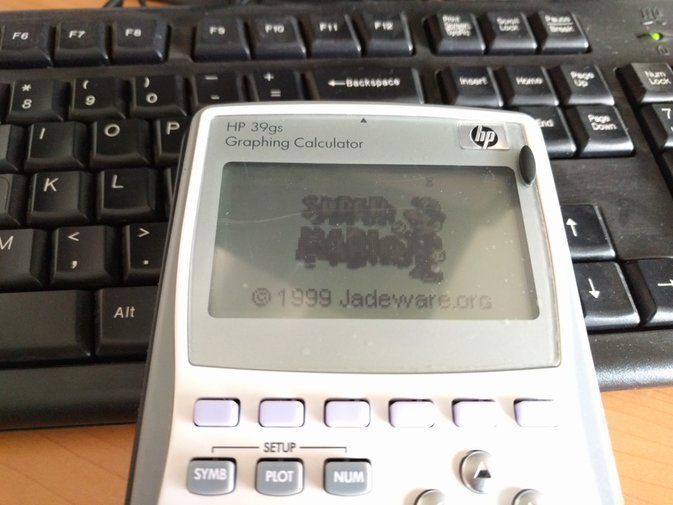
All in all, I guess it counts as a success.
Comments are hosted on the Chinese main site. This mirror is read-only.