Impressions: HP DeskJet GT 5820
HP DeskJet GT 5820 and Setting It Up Under Ubuntu Linux
We’ve had an HP all-in-one printer at home forever, but it was bought around 2008 and used on and off until now — honestly not that many times. Tried to use it recently and it’s dead. The feed roller is gone, and the thing isn’t worth repairing. Figured I’d just buy a new one.
A few hard requirements when buying:
- Good Linux support.
- Wireless, no cables. There are several computers at home and they all need to use it.
- Color printing, and the consumables problem has to be solved. Buying ink cartridges for the old one was a pain in the ass.
- Budget around 1000.
After thinking it over, I bought the HP DeskJet GT 5820. It has a built-in continuous ink supply and meets all the conditions above. Epson and Canon were also in the running — why HP? Because its Linux support is the best.

I won’t say much about the machine itself, or about installing and setting it up under Windows — it’s all in the manual. I’ll just talk about how convenient it is under Ubuntu Linux.
HPLIP is HP’s own open-source printer project, and thanks to it you can use this printer under Linux without any trouble.
The HPLIP version bundled with Ubuntu is too old, so download the latest from the official site:
https://sourceforge.net/projects/hplip/files/hplip/
Once downloaded, just run the installer:
cd ~/Downloads/ && chmod +x hplip-*.run
cd ~/Downloads/ && ./hplip-*.run
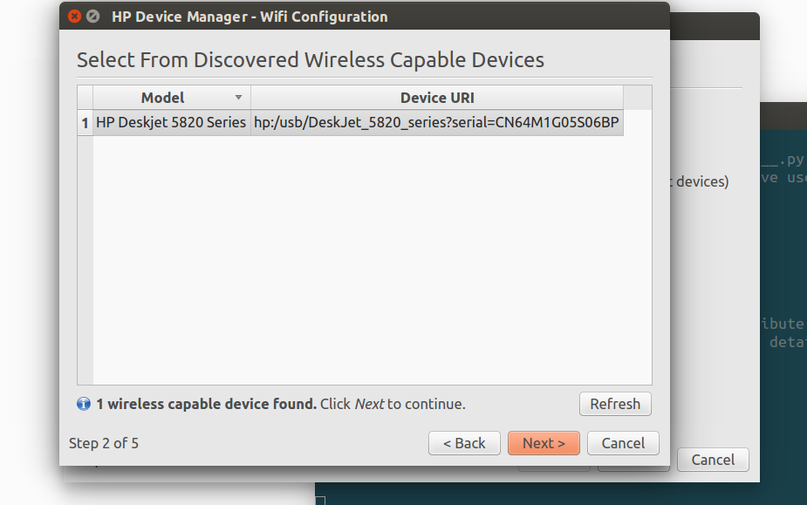
After installing, you’ll find this thing works ridiculously well. It doesn’t just let you add and use the printer directly — it also supports wireless scanning from another machine:
Bottom line: if you’re a Linux user, buy HP for your printer.
Comments are hosted on the Chinese main site. This mirror is read-only.