Color Calibrating My Screen with DisplayCAL on Ubuntu
I picked up a cheap colorimeter, so I figured I’d try using it under Linux. I expected no software support or a whole lot of hassle, but it turned out way simpler than I imagined.
DisplayCAL is the calibration software that supports Linux, and you just download it from the official site.
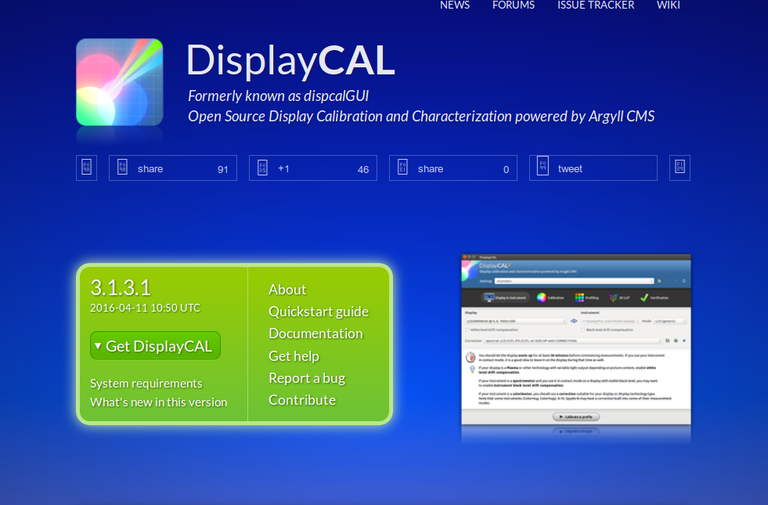
For downloading, I personally recommend “Get DisplayCAL via Zero Install” — it saves you a ton of dependency headaches, and having it self-contained is just better than anything else.
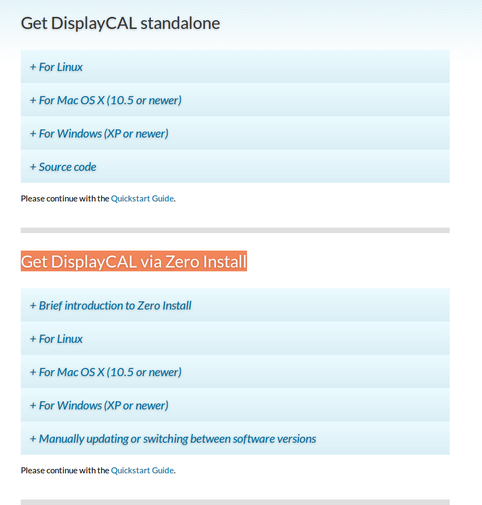
With the standalone install, everything gets downloaded ready-made, and the nice part is you can do it right now without needing a VPN.
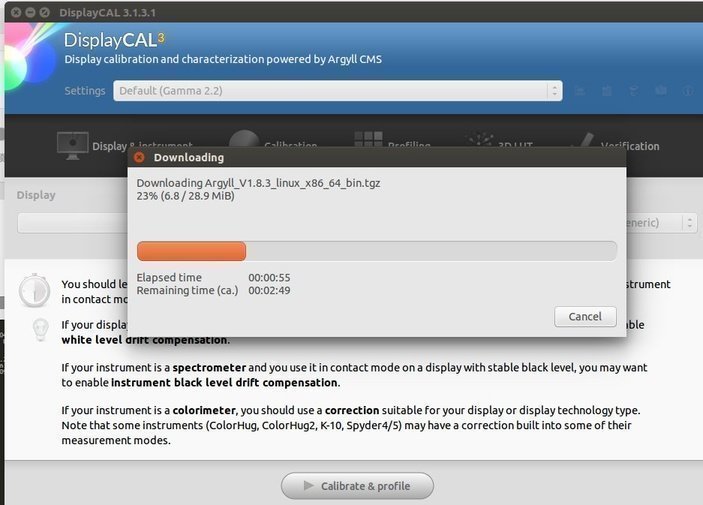
Anyway, once it’s installed you just plug in the colorimeter and get going. Most colorimeters are plug-and-play under Linux; if you’ve got a Spyder 4 you’ll need to click through a couple of extra settings, all of which is covered in the official DisplayCAL tutorial.
Calibration takes way longer than I expected, and the result changes depending on what you pick as your white reference. If you calibrate to the standard 6500K color temperature…
It still comes out yellowish. But the pros all say that is white…
Fine. I’ll probably get used to it just by looking at it.
Comments are hosted on the Chinese main site. This mirror is read-only.