Fixing Missing Thumbnails for GIFs and Videos on Ubuntu 16.04
Advertisement
What the hell, you just putting up with this?
Advertisement
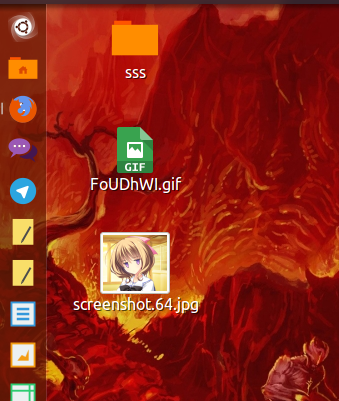
My GIFs have no previews anymore. I can’t even see my cute panda!
The fix is simple enough. First install the software:
sudo apt-get install imagemagick ffmpeg ffmpegthumbnailer gstreamer0.10-ffmpeg
Then create two separate files:
sudo vim /usr/share/thumbnailers/totem.thumbnailer
With this content:
[Thumbnailer Entry]
TryExec=ffmpegthumbnailer
Exec=ffmpegthumbnailer -s %s -i %i -o %o -c png -f -t 10
The other one for GIFs:
sudo vim /usr/share/thumbnailers/gif.thumbnailer
With this content:
[Thumbnailer Entry]
TryExec=convert
Exec=convert %i[0] -resize %sx%s %o
MimeType=image/gif;
Then clear out the current cache:
rm ~/.thumbnails/fail/gnome-thumbnail-factory/*
rm ~/.thumbnails/normal/*
rm -r ~/.cache/thumbnails
Finally restart Nautilus:
nautilus -q
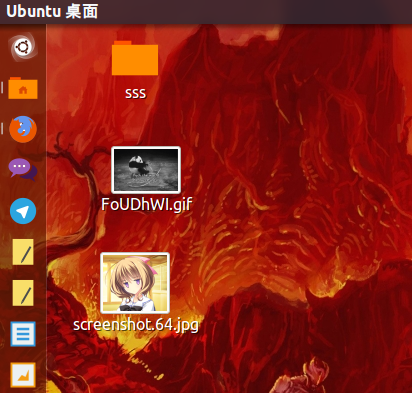
If that doesn’t work, hit F5 on the desktop. Then everything’s back to normal~
Sources: Nautilus video thumbnails without totem Nautilus not generating thumbnails for GIF images in Ubuntu 15.04
Comments are hosted on the Chinese main site. This mirror is read-only.