Review: CYBERDRIVE USB DAC
CYBERDRIVE USB DAC
A while back I had the Mojo modded and hooked it up to another computer as a DAC, so the laptop has been without a portable DAC lately. Figured I’d pick up something cheap as a replacement.
The requirement was to get charge-and-play working as much as possible, instead of the Mojo dying on me every other minute.
And the bar for sound quality isn’t that high either — just needs to be a real step up from the laptop itself, ideally without too much hiss. Obviously none of this compares to the high-end demands of mystic audiophile tycoon Wu Lao’er, who runs desktop amps straight into Xiaomi hybrid IEMs — the very setup that pulled him out of the Philips fan camp and got him hooked as a proud Miboy.
Given my lowly requirements, I thought it over and went with a Japan-import CYBERDRIVE USB DAC.
This CYBERDRIVE USB DAC thing is made by a Taiwanese company, ran a crowdfunding campaign on JD.com, and went for 240 or 300 RMB there, can’t remember which. Claims to be USB-stick-sized and decode DSD.
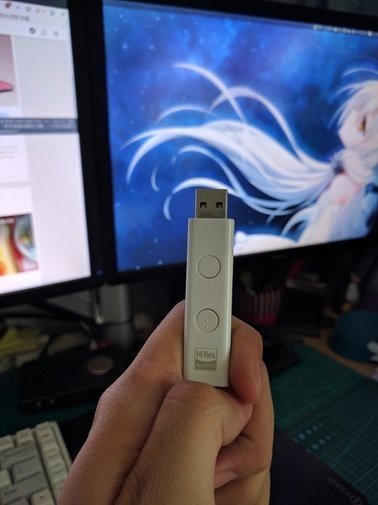
If you’re buying from Japan, wait for a sale. I bought mine together with some music CDs, and it came out to around 200 RMB after everything.
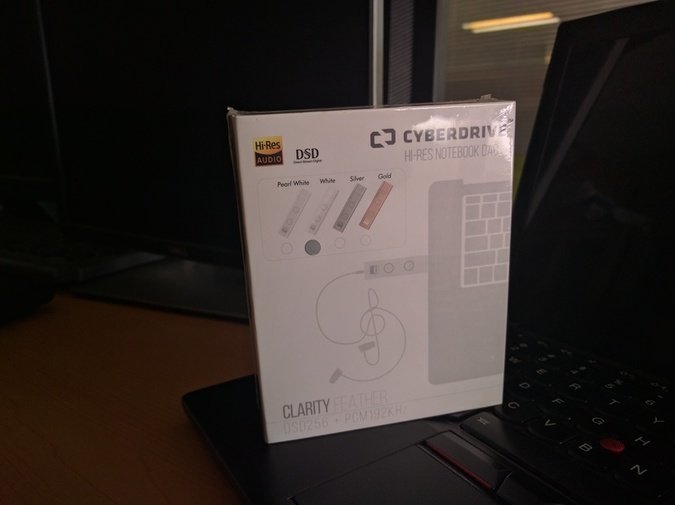
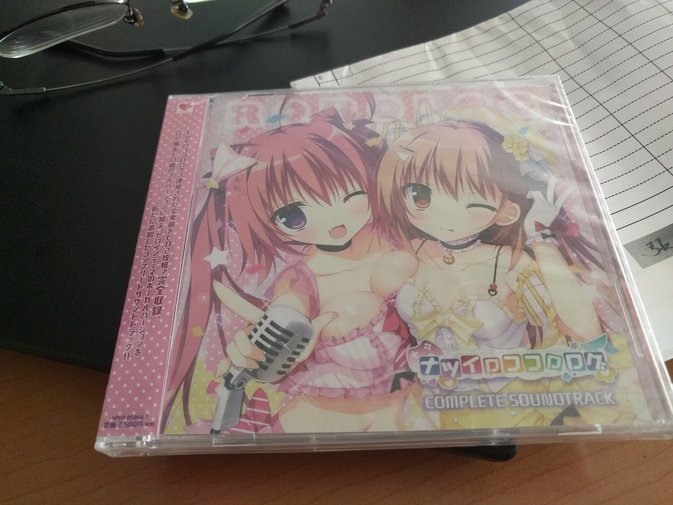
Alright, there’s not much to say about the thing itself, so let’s talk about how it actually feels to use.
First: plug-and-play under Linux, which is great, and no external power needed. The two buttons on top are volume buttons, that’s it. Feels like this price already covers what I need.
Second: sound quality is definitely below the Mojo, but the tuning leans a bit toward the lower end, your typical pop-oriented curve — kind of has that old Onkyo HA200 flavor. There’s still some noise floor (tested with Sennheiser IE80), but it’s not too obvious. Fine for pop songs; pair it with a comfortable 300-something RMB IEM and it’s enough. Maybe my work environment hasn’t been great lately, but the sound quality is already acceptable to me — I won’t ask for more.
Last: it claims DSD decoding. Install the driver on Windows and it does support it, though I don’t know if it’s hardware decoding. I don’t listen to DSD anyway, decode it or don’t, whatever. On Mac there’s a wizard to enable DSD, but I couldn’t be bothered to look into it.
By the way, this thing has another use: improving the sound on your phone or tablet.
First you need a USB OTG adapter, like this one:
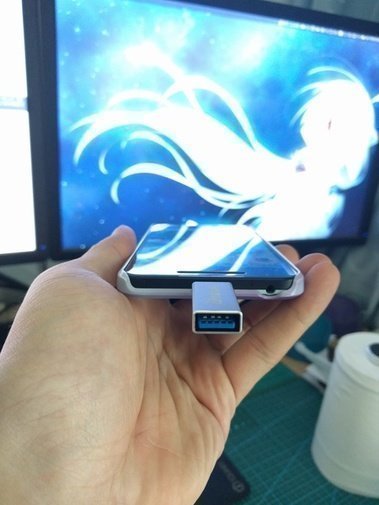
Plug it in and it works as a sound card. Android 7.0 supports it by default, and the Pixel C is fine too. If it doesn’t work, try setting the USB mode to MIDI device.
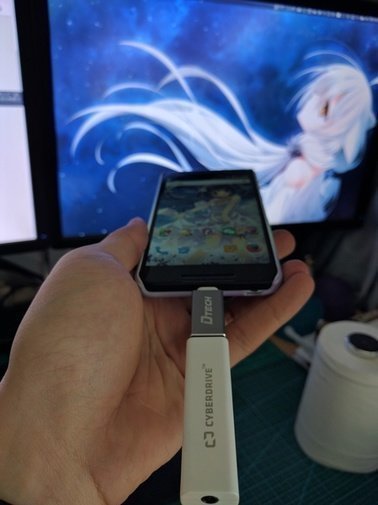
Gave it a listen — the improvement is huge, probably because Android’s own audio is just that garbage.
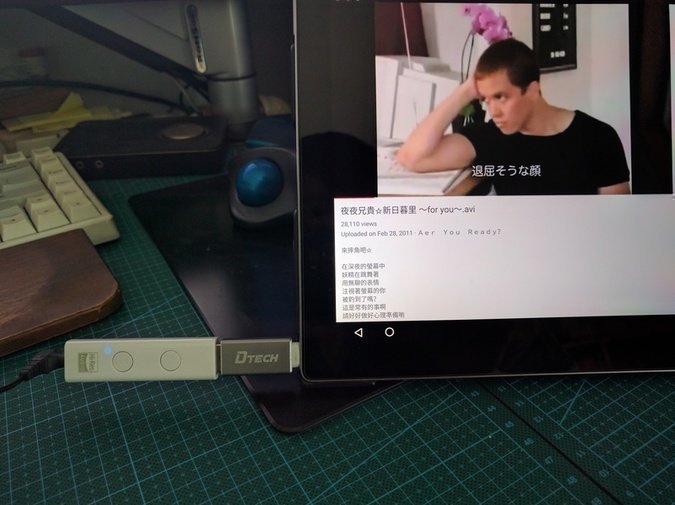
Of course, this setup is stiff and awkward to stuff in a pocket. But if you get a soft USB OTG cable it probably wouldn’t be a hassle — I mean, look, the iPhone 7 makes you drag a dongle around now, so this isn’t so bad, right? If I can’t find a decent player in the future, I’ll just use this thing with my phone as the front end.
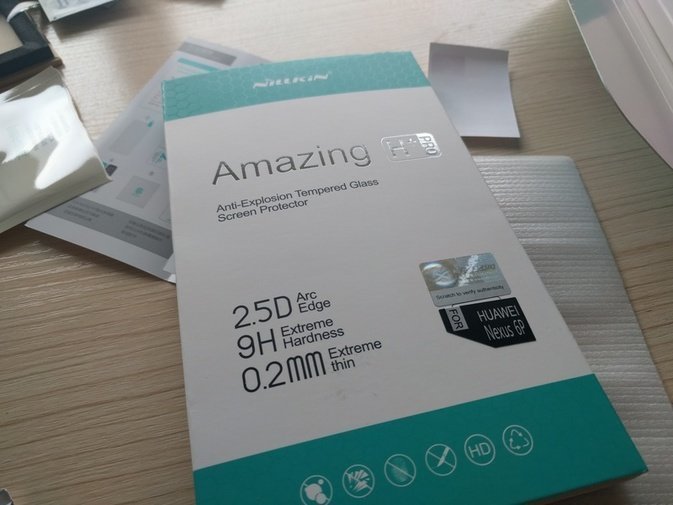
Oh, one last thing: the glass screen protector on my Nexus 6P cracked a while back, so I swapped on Nillkin’s latest one and found it now has a proper anti-fingerprint coating. You can buy it now — no need to import that intelliARMOR thing anymore.
Comments are hosted on the Chinese main site. This mirror is read-only.