Installing Sayonara Player on Ubuntu Linux
Advertisement
Sayonara Player is a cross-platform music player with Linux support. The name is the Japanese さよなら — sayonara, goodbye, you get it. The dev isn’t Japanese, no idea why he picked it. Probably thought it sounded cool.
Installing it is easy. PPA works, or just grab the DEB.
Advertisement
sudo apt-add-repository ppa:lucioc/sayonara
sudo apt-get update
sudo apt-get install sayonara
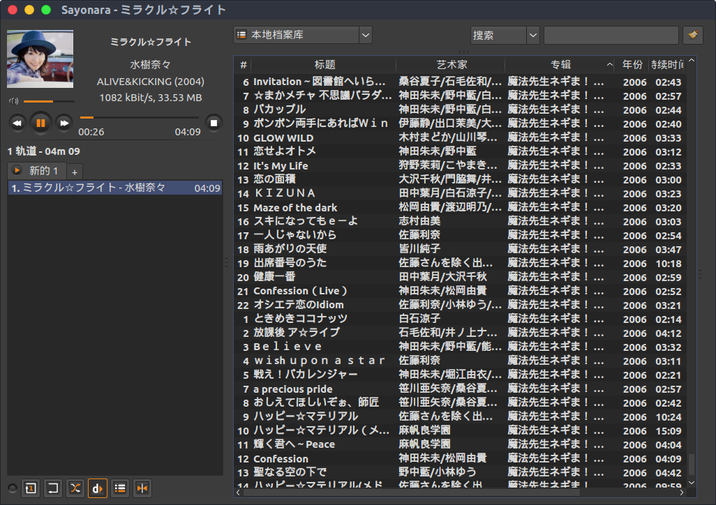
I messed around with it for a bit and there’s a lot to like:
- It has a Chinese UI, and you can set the Chinese font — doesn’t look like garbage.
- Adding a library is fast. Fast scan mode, obviously.
- Not many features, but they all hit the actual pain points. Good enough for daily use, plus there’s a quick Party mode.
- Written in Qt, I think, and it’s efficient too — doesn’t crash easily.
Still switched back to Rhythmbox though. Because… it has no smart playlists…
That said, it’s the most solid player I’ve tried recently. deadbeef doesn’t even have library management, right?
Comments are hosted on the Chinese main site. This mirror is read-only.