Upgrading and Jailbreaking a PSV on Ubuntu Linux
PSV is jailbroken now!
Not that it does me much good. I’ve had the PSV for nearly five years, and I only remember it exists when a game I want comes out. Heard about the hack, looked at the list — bruh, it’s still the same handful of titles. Had no idea what to play, so I just ignored it…
But! I found out someone dumped the PSV version of The Shepherd of the Great Library (大図書館の羊飼い)!
Jailbreak jailbreak jailbreak!
Windows guides are probably all over the internet:
http://bbs.duowan.com/thread-44844651-1-1.html
But I’m an Ubuntu Linux user, so let’s try jailbreaking with Linux.
My PSV had been gathering dust for a long time. Turned it on and it was on 3.5, so I still had a shot at upgrading to 3.60 — and right now only 3.60 is exploitable.
To connect to the PSV you need a piece of software called QCMA. Thankfully it’s cross-platform.
On Ubuntu you can install it via PPA:
sudo add-apt-repository ppa:codestation404/qcma
sudo apt-get update
sudo apt-get install qcma
The UI is the same as on Windows, and so is the usage. The method for forcing an offline 3.60 update is the same too:
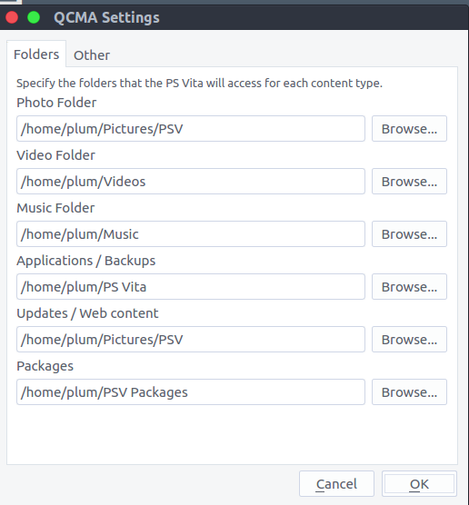
http://wololo.net/2016/08/09/manually-update-ps-vita-firmware-3-60/
Quick rundown:
- Download the 3.60 firmware first.
- Rename it to PSP2UPDAT.PUP and put it in the Update directory corresponding to your QCMA setup.
- Download this XML, and remember to edit your region id. Mine’s a Hong Kong model, so I used sa — that covers most of Asia, and probably mainland China units too.
- Put your PSV in airplane mode, then choose to update the firmware, pick “connect to PC to update,” and with QCMA running you should get the update.
By the way, even on Linux you still get a confirmation prompt when the PSV connects successfully.

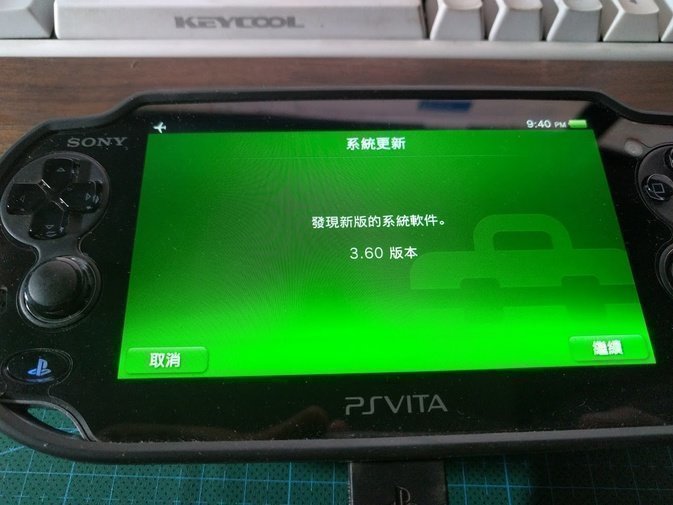
The jailbreak itself is straightforward after that. Just follow the steps.
http://bbs.duowan.com/thread-44844651-1-1.html
Open this in the PSV browser: https://henkaku.xyz/
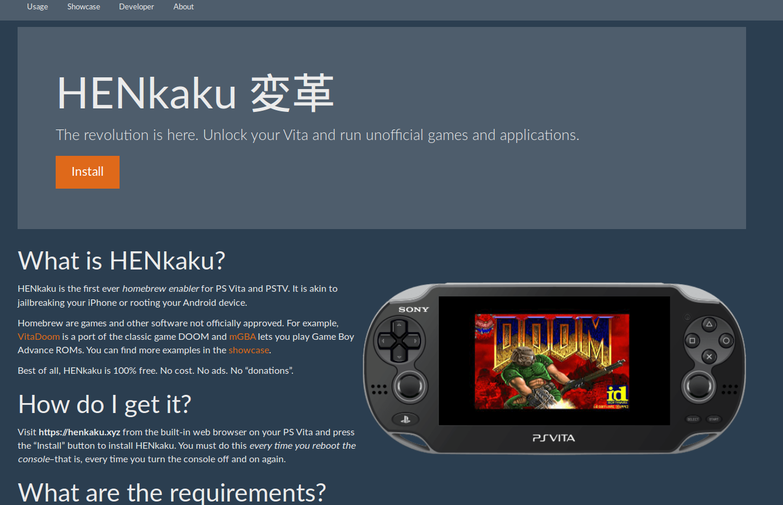
Just keep hitting “install.”
As for transferring games, the easiest method I’ve found so far is changing the extension. Rename the downloaded .vpk to .mp3, transfer it to the PSV as music, then rename it back to .vpk and install. It’ll run.
Method from: http://bbs.duowan.com/thread-44970008-1-1.html
Of course, the extension trick only works for games under 2 GB. Bigger ones like The Shepherd of the Great Library won’t work — you’ll have to use MaiDumpTool to install those. I recommend grabbing a PSP save file and using save data transfer to move the extracted game directory over, then installing from that directory with MaiDumpTool.
If you’re installing from an extracted VPK, it takes a while, but it does work… Installing from a directory is much faster.
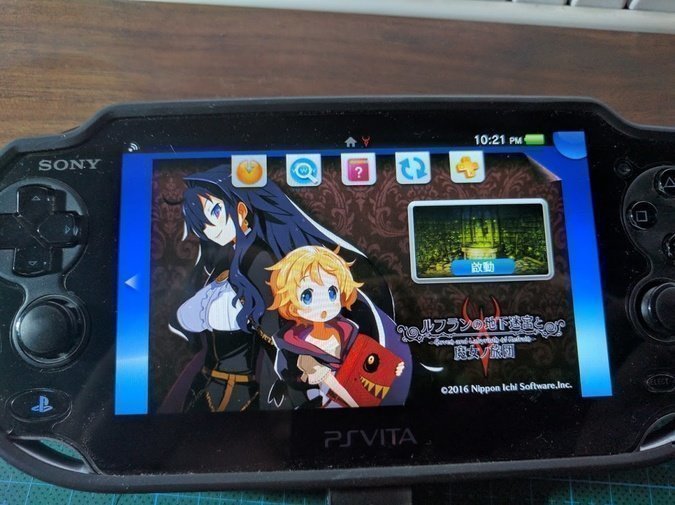
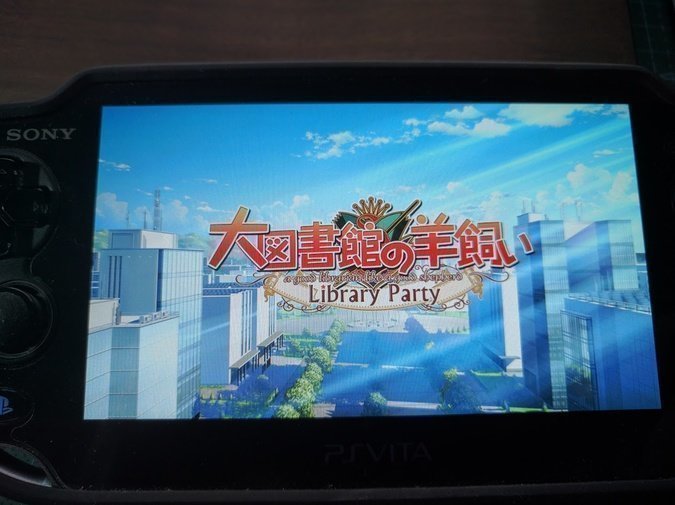
I have a feeling I’ll be playing a lot of additional heroine routes on the PSV from now on…
Comments are hosted on the Chinese main site. This mirror is read-only.