Taking Full-Page Website Screenshots with Shutter on Ubuntu Linux
Advertisement
So here’s the thing — I’ve known for a while that Shutter has a “website screenshot” feature.
But I tried it a few times and it never worked, so I figured the feature was just broken. It’s open source, right? Half-finished features are par for the course.
Advertisement
Then today, idiot me finally figured out how you’re actually supposed to use it.
First you need to install a package:
sudo apt install gnome-web-photo
After that the feature works.
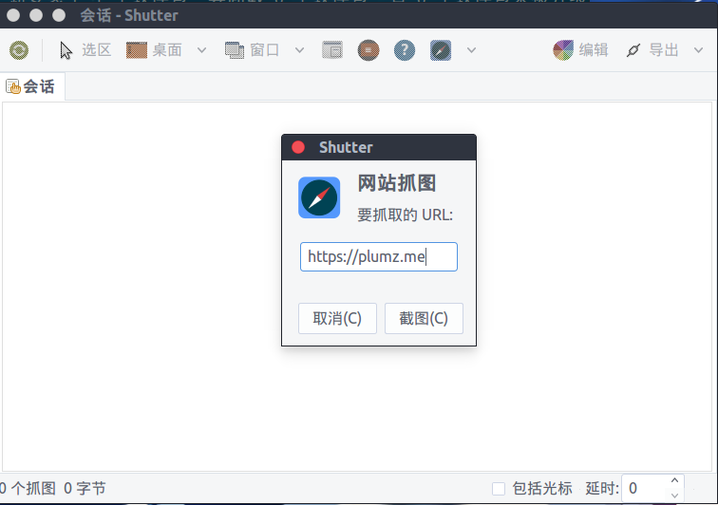
What an idiot. I never bothered to read the requirements. Turns out the feature is actually pretty damn good…

Grabbed one shot to see how it looks, that’s all.
Comments are hosted on the Chinese main site. This mirror is read-only.