Swapping the internal battery on a ThinkPad X250, plus an X260 fan experiment
I never plug in my work laptop, so the battery wears out pretty fast.
The X250 has two batteries. The external one is at 10% wear, still fine to keep using. The internal one is nearly at 50%, so I bought a replacement.
eBay and AliExpress have them everywhere. Just grab a cheap one that looks legit.
Same as always: tear it down and swap it.
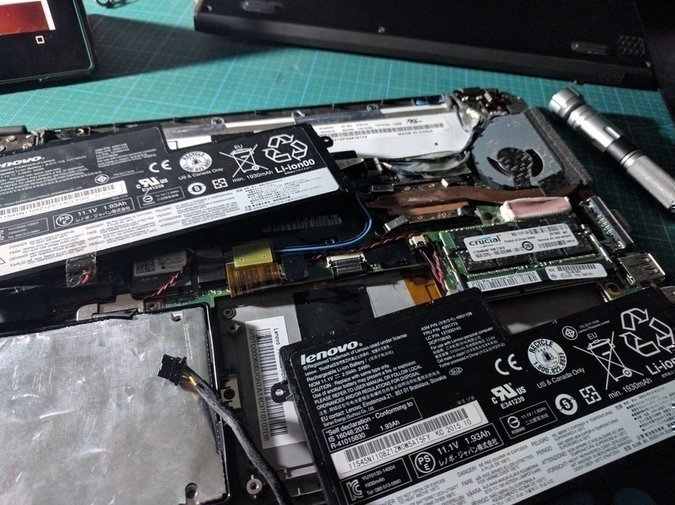
Before opening it up, remember to disable the battery in the BIOS first. Otherwise you fry the motherboard.
While I was at it I also bought a cheap X260 fan, because I noticed the X260’s heat pipe is thicker.
I figured it would be identical when it arrived. It really isn’t. The screw holes on the X260 fan are spaced wider apart. Doesn’t stop you from forcing it on, though — you can bend the four screw tabs to line up.
But after screwing it down, the results weren’t good either… if anything it was worse than the stock one, so I gave up on it.
Anyway, lesson learned. The X250’s cooling is just bad. Next laptop, I’m paying more attention to thermals.
Comments are hosted on the Chinese main site. This mirror is read-only.