Playing PSP Games on Ubuntu
To play PSP games on Ubuntu you need an emulator… it’s called PPSSPP. There’s an Android version, a Windows version of course, and Linux and Mac OSX versions too, all downloadable from the official site.
http://www.ppsspp.org/downloads.html
However, at first I was following some Wiki or other and started compiling the Linux version from source. Halfway through compiling I discovered the official site lists a PPA. God damn it…
sudo add-apt-repository ppa:ppsspp/stable sudo apt-get update sudo apt install ppsspp
Once it’s installed you can just run it and play. It reads ISO images, same as the Android version.
One thing worth mentioning…
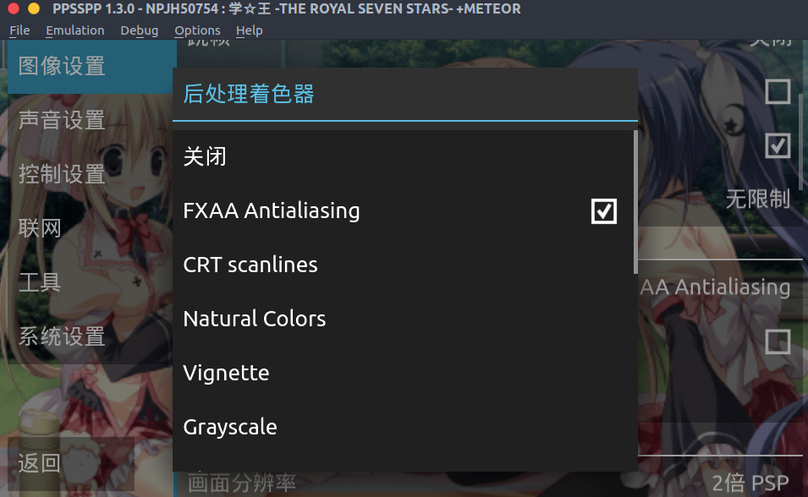
This anti-aliasing setting is off by default. Remember to turn it on. With it on you can… make your Galgames look a little less miserable…
Here’s before
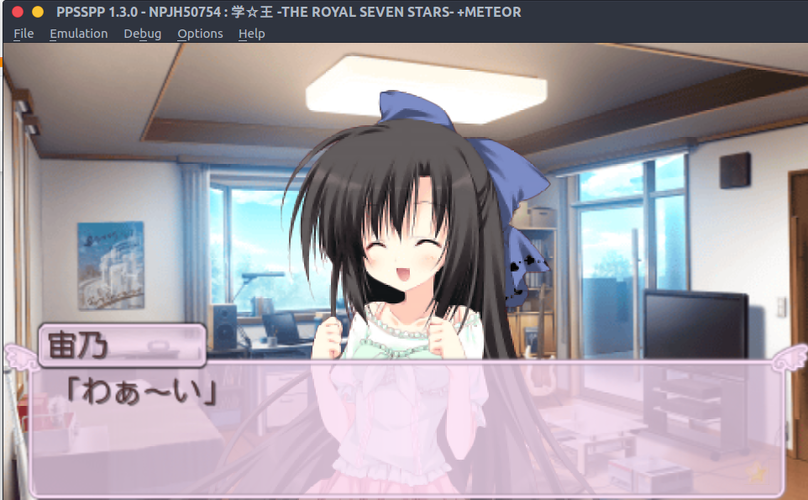
Here’s after
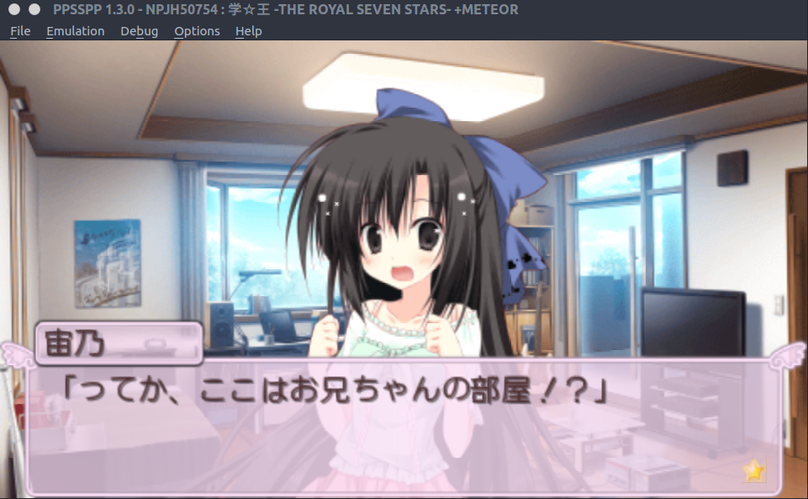
Uh… okay, for 2D-heavy Galgames it’s not really noticeable. But! If the game you’re playing happens to have some texture in high-res materials, it’ll have an effect. Like this game’s logo in the screenshot—it’s especially crisp with anti-aliasing on!
Crisp as hell. Though nobody looks at the logo anyway…
As for PPSSPP, there’s a bit of an issue with Intel’s open-source graphics drivers on Linux—sometimes the refresh rate gets sluggish. Discrete GPUs don’t have this problem.
Comments are hosted on the Chinese main site. This mirror is read-only.