Using the Ubuntu Livepatch Service
Advertisement
Canonical rolled out the Ubuntu Livepatch service for 16.04 users. As the name suggests, you no longer have to put up with that fucking “Reboot required” message every time the kernel updates.
Go here:
Advertisement
Log in with your account, or just register one if you don’t have it.
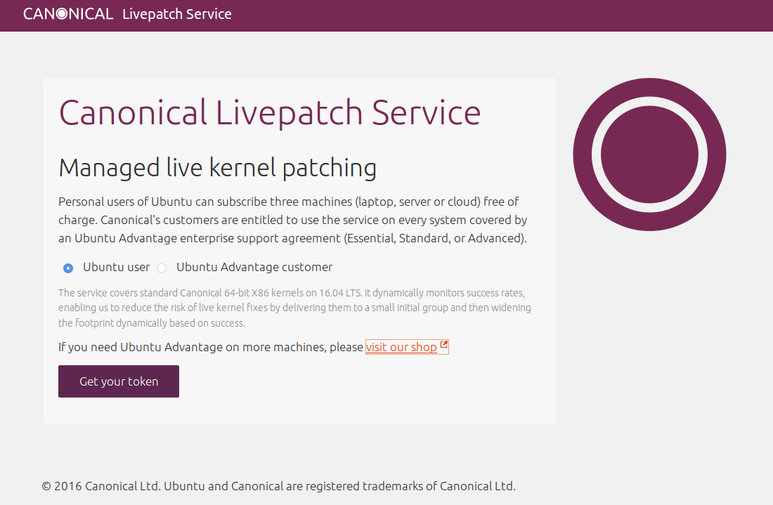
After that it tells you how to use it, nice and simple, and hands you a dedicated token.
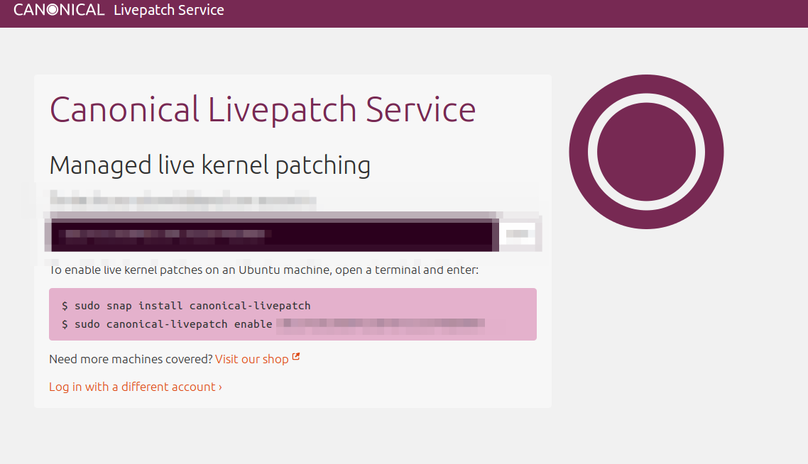
Of course, before running this, make sure you’ve got the snapd package installed and that it’s newer than 2.15. If you just update it’ll be newer than that anyway… the latest is already 2.16.
sudo apt install snapd
Then you can set up Livepatch. Remember to use your token:
sudo snap install canonical-livepatch
sudo canonical-livepatch enable gongzhushigejilaodashabi
This trick is decent on VPSes that don’t use a custom kernel. Linode, though, don’t bother.
Comments are hosted on the Chinese main site. This mirror is read-only.