Enabling 3D Acceleration for VMware on Linux
Advertisement
If you’re on Intel integrated graphics, there’s a good chance VMware will tell you that 3D acceleration can’t be enabled.
Even if you flip the 3D acceleration switch, it still won’t work…
Advertisement
I looked into it and it seems to be a blacklist thing — some drivers aren’t allowed to use 3D acceleration. Drop the blacklist and it works. It’s a forced override, sure, but I haven’t run into any problems.
If you’re hitting “No 3D support is available from the host”, try editing:
vim ~/.vmware/preferences
and add:
mks.gl.allowBlacklistedDrivers = "TRUE"
If the line’s already there, just set it to TRUE.
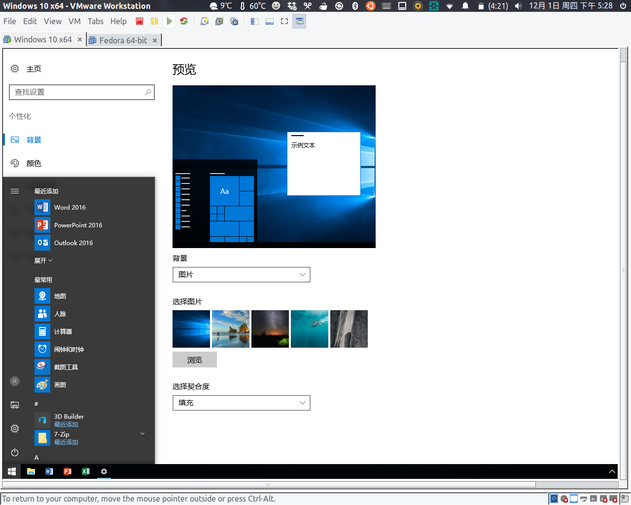
After that you can enable 3D acceleration — at the very least, running Win 10 won’t be a slideshow anymore.
Reference: Enable 3D HW acceleration on VMWare Workstation 10 on Ubuntu 14.04
Comments are hosted on the Chinese main site. This mirror is read-only.