Installing Scribes on Ubuntu Linux 16.04
Scribes is an editor, though it seems to have been dead for a long time.
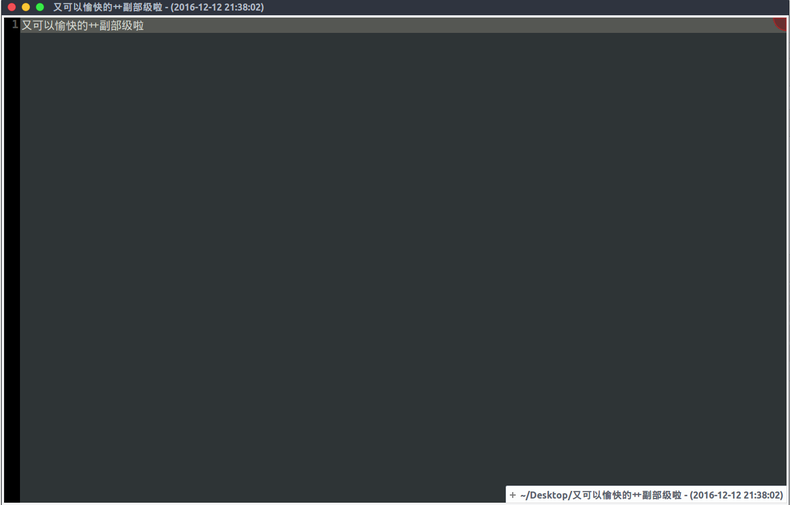
It’s billed as an editor, but I mostly use it to write drafts. Mainly because it looks nice, the font can be made huge, it autosaves, and it just looks impressive, so I use it.
After installing Ubuntu 16.04, this thing vanished from the repos.
At first I tried building it from source… same as I did back on Fedora:
sudo apt install python-gtk2-dev gnome-common libglib2.0-dev gnome-doc-utils python-gtk2-dev libgtksourceview-3.0-dev gtksourceview-3.0 scrollkeeper
But even after installing the dependencies you still can’t build it. It’s missing a few Python packages, and those packages have been abandoned by Debian…
So the only option was to dig through the Debian repos, recover those packages, and just install Debian’s scribes deb directly.
https://launchpadlibrarian.net/109052632/python-support_1.0.15_all.deb https://launchpadlibrarian.net/139654751/python-gtkspell_2.25.3-13_amd64.deb https://launchpadlibrarian.net/139654751/python-gtkspell_2.25.3-13_amd64.deb
Any other dependencies you can fill in yourself; they’re all in the repos.
Comments are hosted on the Chinese main site. This mirror is read-only.