Review: Green Spider 5 Colorimeter
Green Spider 5 Colorimeter Review
I bought a cheap second-hand colorimeter before. It worked, sort of—it was a second-hand piece of junk, after all. Then during the 618 sales I stumbled on a deal for the Green Spider 5 and picked one up to play with.
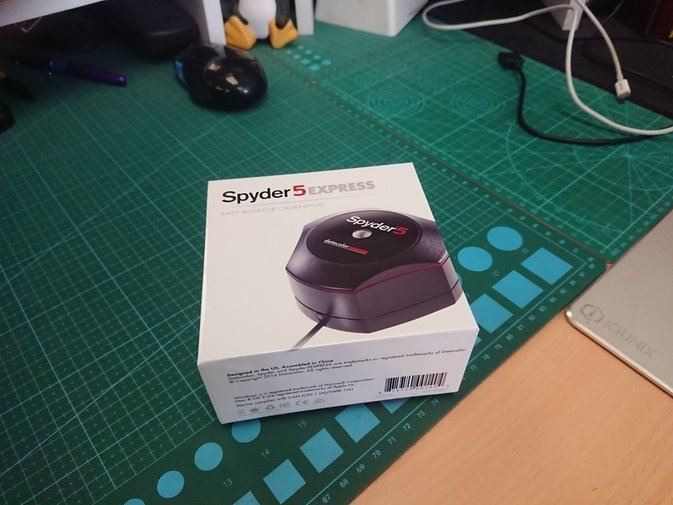
A lot of people will tell you to get the Red Spider 5 instead, but the truth is the Red Spider 5 and Green Spider 5 have identical hardware; the difference is the software. And you can solve the software problem with the third-party DisplayCAL, so the discounted Green Spider is the better buy. The only downside is that if you use that 1000-yuan software, calibration is a lot faster.
The Green Spider 5 is fully supported in the latest DisplayCAL, and you can follow what I wrote before for the actual calibration steps. I calibrated my GPD Pocket with it and found I still took quite a few detours.
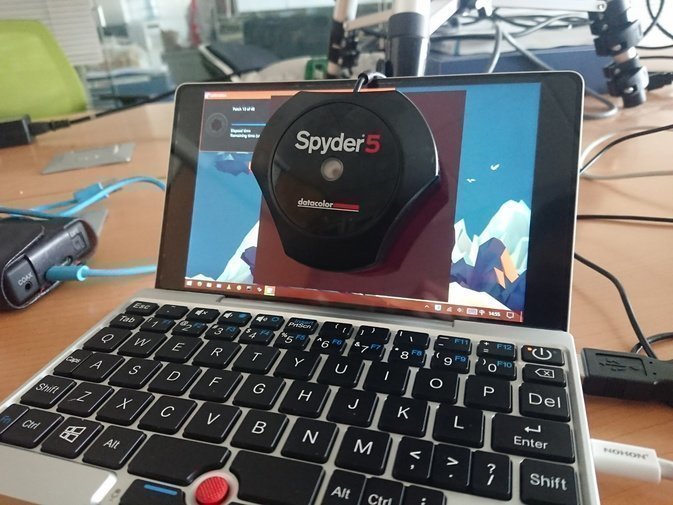
First, still the color temperature question. You need to decide “what kind of white counts as white.” I generally recommend 6500K, because I found that the 4K monitor Dell P2715Q I bought earlier defaults to 6500K. Most people in China will find that temperature looks “yellowish and reddish,” but I think you just need to get used to it.
The Green Spider also supports automatic color temperature adjustment, but that’s much more of a hassle—you have to measure the room lighting yourself, adjust monitor settings, and so on. On most laptops and handhelds, though, you can’t adjust the monitor settings at all.
Calibration with DisplayCAL can take anywhere from 20 to 60 minutes, and DisplayCAL has thorough color management of its own—it can even take over the system’s color management. I think that feature is really powerful and I highly recommend using it.
Overall the calibration results were pretty good. I adjusted the monitors at my workplace, the GPD Pocket’s display, and the three monitors at home. I left the Surface Pro alone because it seems to default to that yellowish 6500K unless you force an Intel driver update. People say all sorts of things about calibration—some say it’s completely useless, some say you can’t use a monitor without it. After using it myself, I’ve found that calibration can’t rescue a low-gamut display, but it can get it as close to standard colors as possible. If the screen is blindingly bad, calibration won’t save your eyes. The other big use for calibration is when you run two monitors side by side and their colors don’t match—that’s when you need a colorimeter to bring them into agreement. That’s the real cure.
So: a colorimeter makes a lot of sense for anyone working with multiple monitors. If you only use a single monitor, it depends on how bored you are.
One last gripe about the 6500K standard white: a lot of phones actually default to this temperature, but because too many Chinese users complain about “yellow screens,” they all shift toward cooler tones. Sony’s XZ Premium, for example, is cold to the extreme, while the OnePlus 5 is standard 6500K. When I checked with the Green Spider, the OnePlus 5 was the most accurate, and the Sony’s blue was already way off…
Comments are hosted on the Chinese main site. This mirror is read-only.