A Few Days with GPD Pocket
GPD Pocket Crowdfunding: Quick Hands-On Impressions
The GPD Pocket is the follow-up to the GPD win. There were a few things I wasn’t happy about with the GPD Win:
- The screen was awful. After finishing Baldr Heart on it I felt like I was going blind.
- Bad cooling, which is why so many people modded theirs. I didn’t want to bother.
- Cheap build. All plastic, and the construction was just passable — usable, nothing more.
- The keyboard was useless. That thing was on the level of calculator buttons… worse than a Wenquxing electronic dictionary.
So I backed the GPD Pocket crowdfunding campaign… and once it arrived, plenty of surprises.
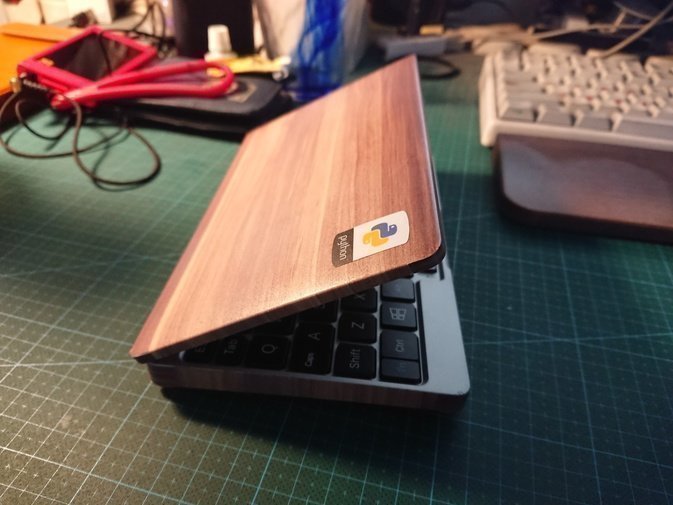
- Build quality is way better. Really way better — it’s up there with an Apple MacBook.
- Screen colors are way better. The color gamut beats my ThinkPad’s, so it’s probably a tablet panel from somewhere.
- Thermals are way better. The machine doesn’t get noticeably hot in use. Sure, people are still modding the cooling, but does sticking thermal pads on the copper pipe even help? Doesn’t that just get in the copper pipe’s way?
- It ships with Windows 10 Home by default, and you can upgrade to Pro. Some people suggest reinstalling LTSB, but LTSB doesn’t have Windows Bash, so I gave up on that.
- The keyboard layout is bizarre. Either you adapt, or you remap the keys.
- There’s a pointing stick and left/right buttons, but no middle button, goddamn it… The layout has plenty of redundant keys too — there’s a menu button even though you already have a right-click. You can remap it to act as the middle button.
- CPU scheduling is very aggressive and turbo boost kicks in constantly, which tanks battery life. I’d recommend limiting it with third-party ThrottleStop.
- Out of the box the battery sometimes won’t charge to full. I’d suggest downloading all the official drivers from the forums and reinstalling them — they’re all .bat files, just run them, and it should fix things. For the network card driver, install the newer one from the official site.
- The system disables all sleep states by default. You have to go into settings and turn them on yourself; once you do, standby time is longer than a Surface’s.
- The only hardware issue is that the magnet sensor block may be misaligned, which stops the screen from turning off when you close the lid. I didn’t have this problem, and neither did a classmate who bought one, but some people do. The fix is to send it back for repair.
- Don’t flash that one new BIOS floating around the forums — the one that fixes the lid thing. That BIOS just crudely forces the screen off when you close the lid, and the official folks don’t recommend it either. If closing the lid doesn’t turn off the screen, it needs to go back for repair.
And I went and flashed that BIOS anyway, then had to contact the official staff to get the old BIOS back… rough…
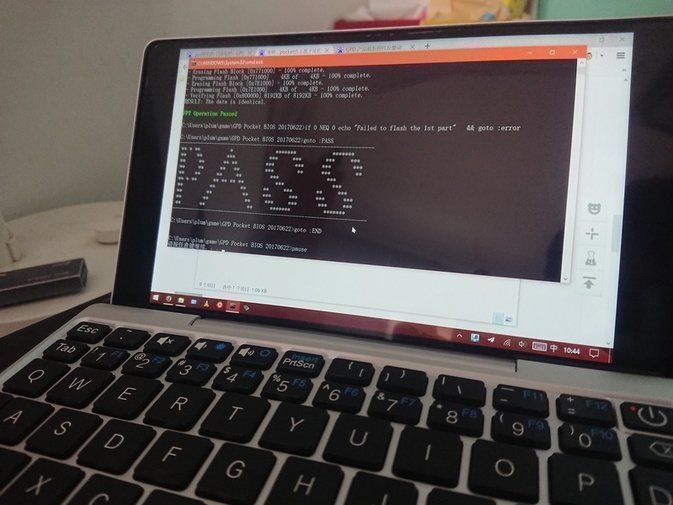
For the screen film, I’d suggest buying a tempered glass protector rather than the official plastic one. It’s way better, and the tempered glass still lets the lid close, so don’t worry about the thickness.
The machine has protective stickers, currently in only two colors. They look decent once applied — looking forward to a black one.
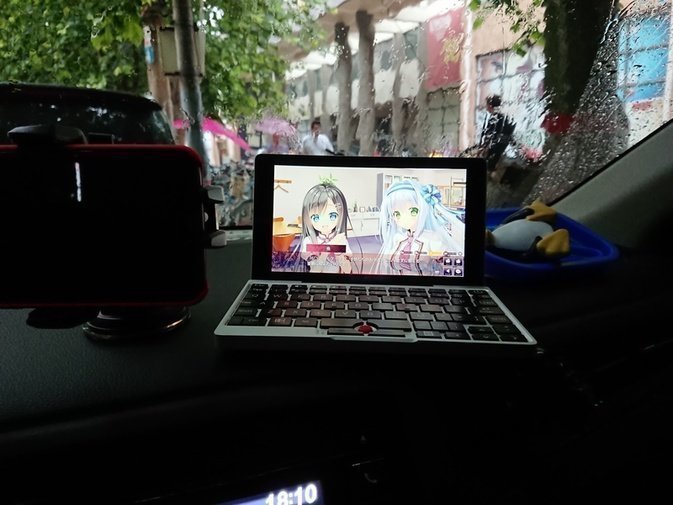
In the end, it works well. Web browsing is still a bit of a struggle, but it’s enough for games, and for writing a bit of text… that’s actually enough too, as long as you’ve adapted to the key layout.
Comments are hosted on the Chinese main site. This mirror is read-only.