Hands-on: CASIO MEP-T10 Label Printer
CASIO MEP-T10 Label Printer
Buying stuff usually needs a reason. Way, way back I learned that label printers existed, and instantly felt like I definitely needed one of these things. I mean, look at all those jars, bottles, and storage boxes at home — how can you not have a fully automated label generator?
Then I happened to spot the CASIO MEP-T10 label printer on 什么值得买, priced at 258 yuan with free shipping.
So cheap, and it has a touchscreen, and you can handwrite on it, and you can connect it to a computer. When else am I going to buy this? So I ordered it on the spot. But then the damn Amazon told me the order was delayed and I wouldn’t get it until after the National Day holiday. Fine, whatever. Then things took a turn — at noon on October 4th I got a call saying the printer had arrived…
So in the middle of the holiday I dragged myself out of bed and ran to the office to pick up the package, and brought this thing home.
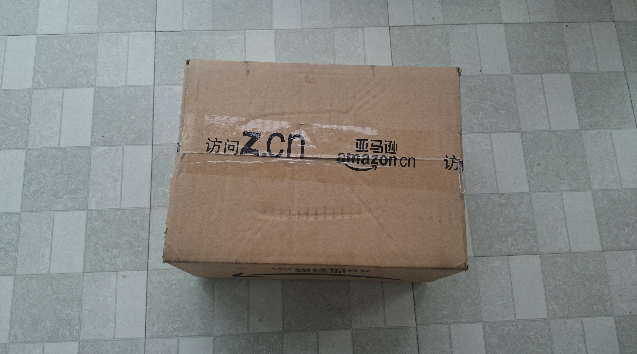
Open the box and there’s the body.
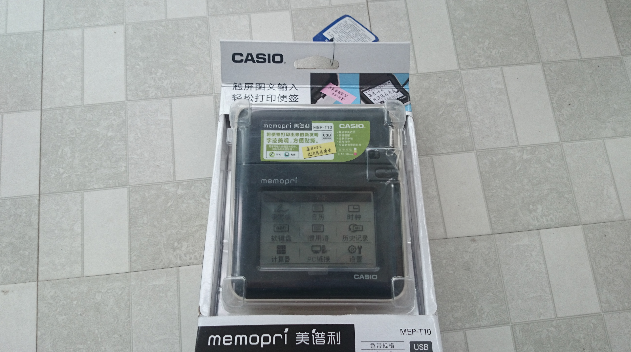
I won’t do that dumb thing of photographing the box from every angle — straight to the unboxed stuff. Here are all the accessories.
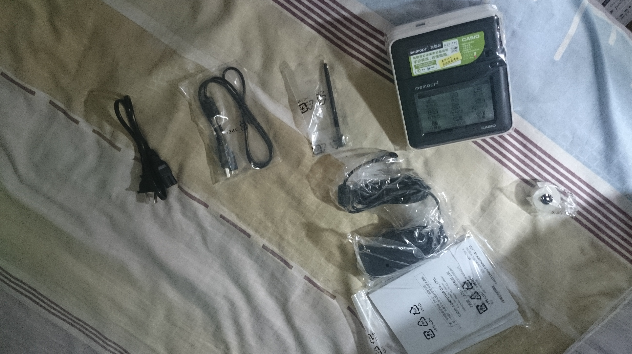
The machine, the cable, the charger, the stylus, and that pitifully tiny bit next to them is the included printing paper.
Do the pictures look weird? Don’t complain, I did it on purpose.
This printer can print on batteries without a computer, so let’s pop in the batteries and go!
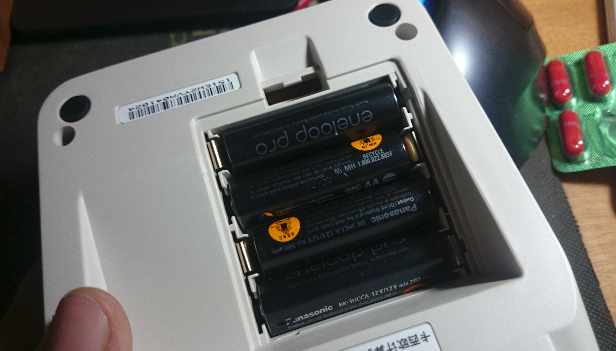
First boot asks you to set the language.
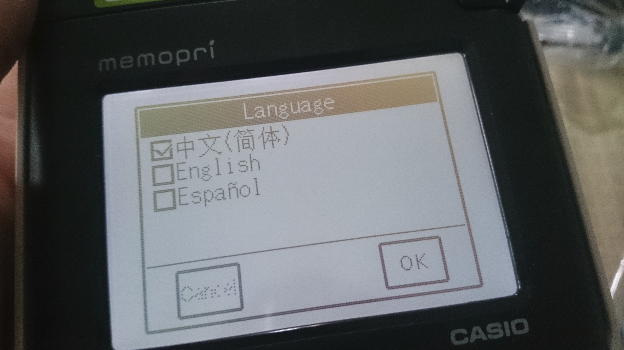
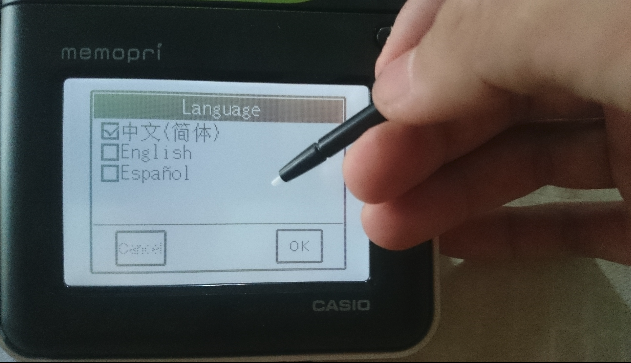
That’s when I realized — they gave me a stylus, so I should be using the fancy touch pen to operate it.
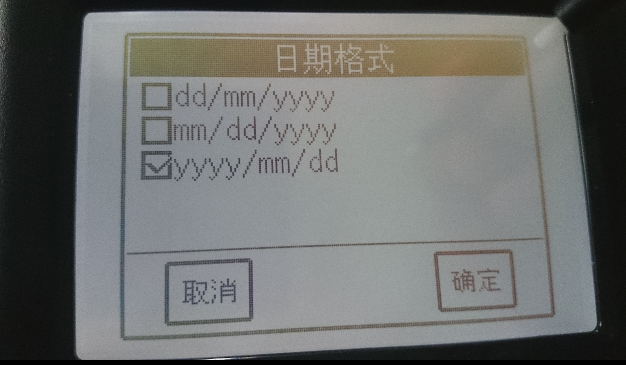
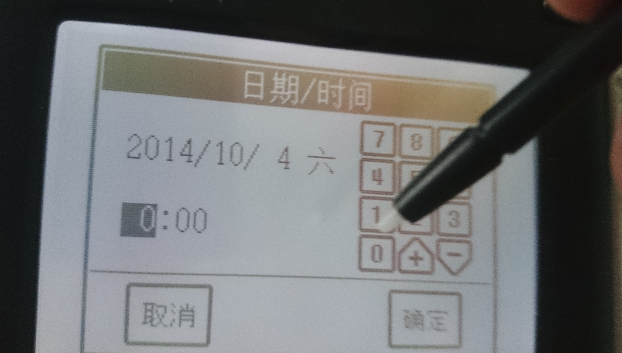
Then the time.
Next is the main interface. Pretty clear at a glance, and it basically represents all the functions.
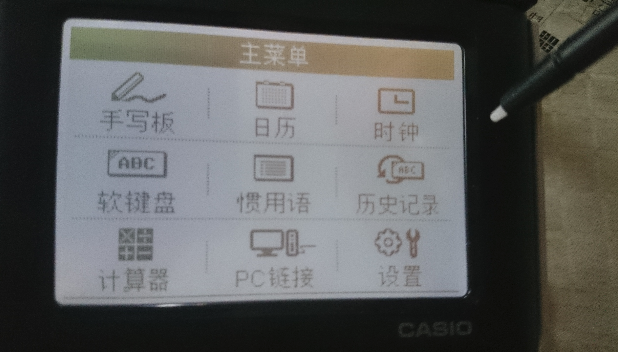
A big feature of this label printer is that you can handwrite and print, so all excited I went straight to writing something and trying to print it.
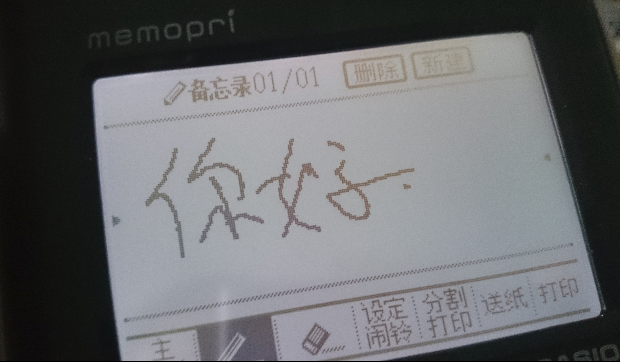
With a pounding heart I tapped Print in the bottom right corner, and… and… the machine buzzed once and did nothing.
Then it hit me — there’s no paper loaded!
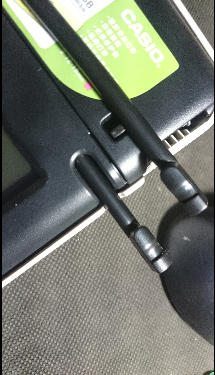
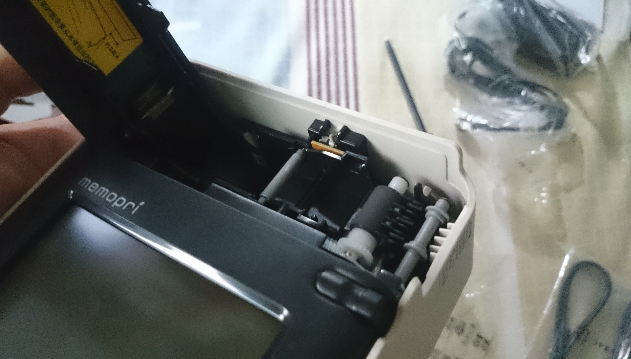
The paper compartment is on top, and to my delight I found a stylus already stuffed in there. So the one in the packaging was a spare.
Open the compartment and load the paper — actually not complicated at all.
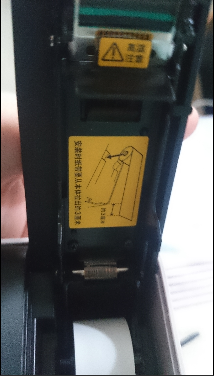
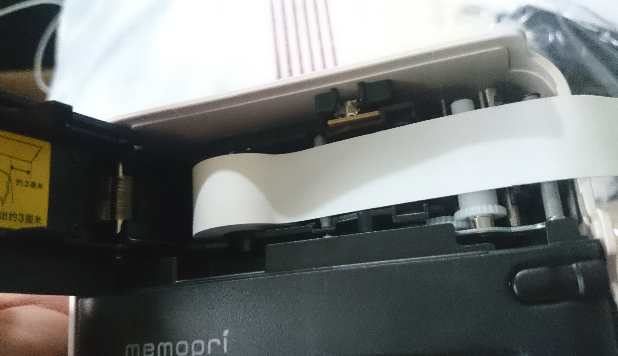
Print again after loading, and out it came… My handwriting has been called dog-scratch by teachers since I was a kid, so let’s not talk about how ugly it is.
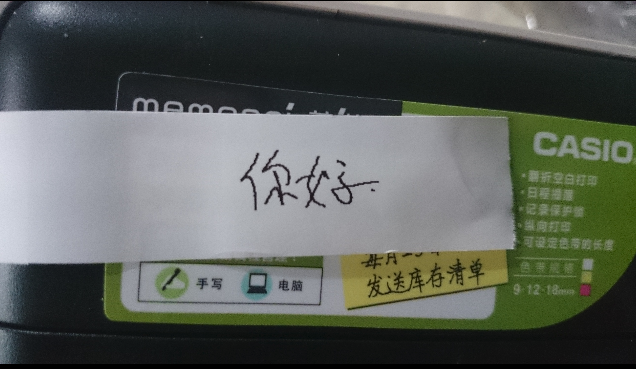
Actually I posted this on 什么值得买 too, so let me do a little ad for 张大妈, who so kindly chopped off all my limbs.
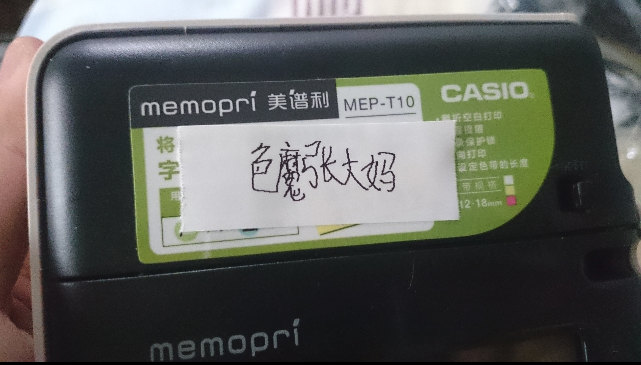
On the lower side of the machine there’s a little window where you can see the remaining paper:
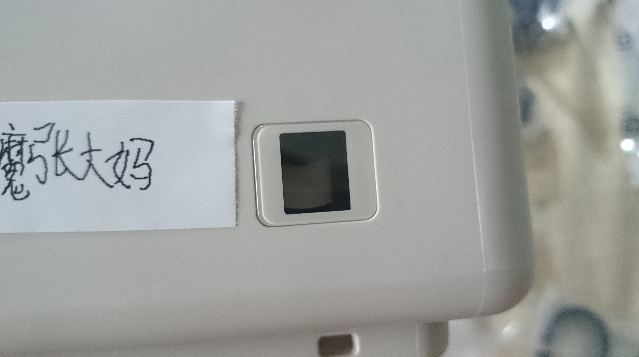
When this printer was recommended, someone complained:
“You write what you print — wouldn’t a pen and paper do? Why use a printer?”
You think the manufacturer is that dumb… Of course it supports input methods.
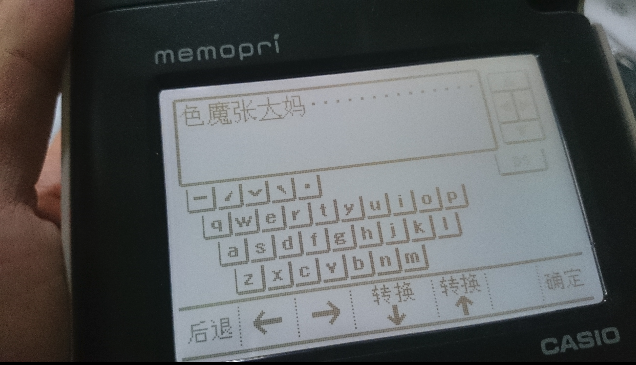
Type pinyin and you can pick characters, and filter by tone too. Not bad.
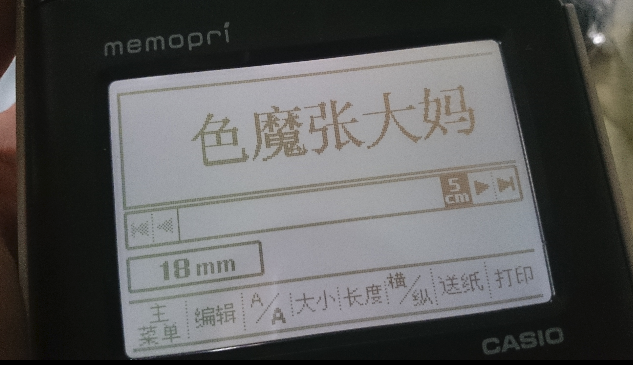
See? What it prints looks better than what I write…
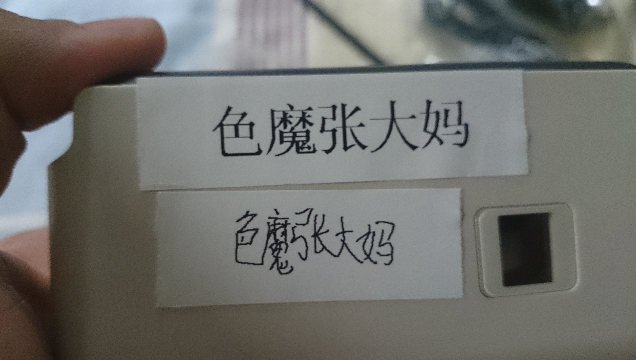
Honestly, my needs for this thing stop right there, but hey, hey — since I’m showing it off, I should show it off thoroughly. So let’s test connecting to a PC.
There was a little incident here: I flipped the machine over and over looking for the USB port and couldn’t find it for the longest time. Finally I found exactly where it was.
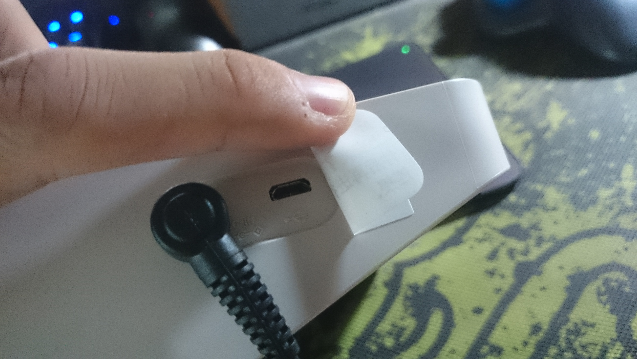
Are you kidding me! Taped over, too. If I weren’t so clever, who’d know there’s a USB port hidden back there!
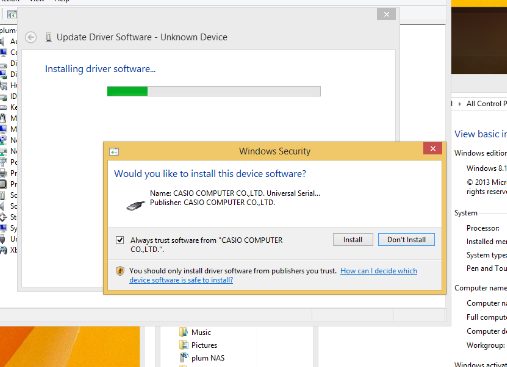
Connected the machine. The bundled disc has the driver. Honestly you can’t even find the driver download on the official site — I only found the Mac application installer, and it doesn’t even support this model.
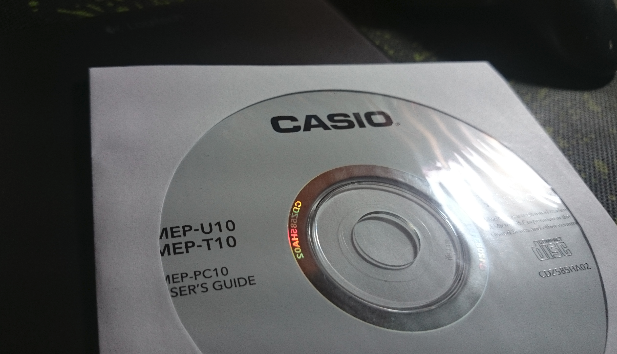
Installing a driver is too simple to even mention.
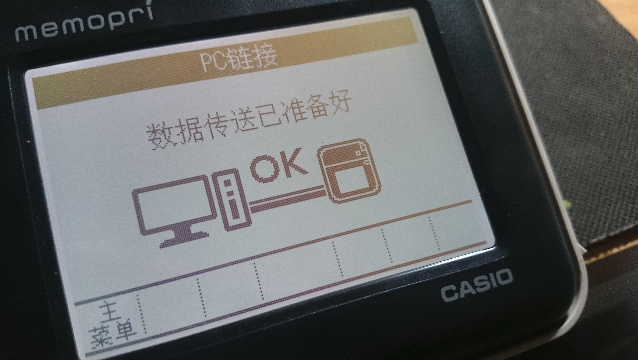
The bundled software is very idiot-proof, WYSIWYG — print however you want, and it can auto-layout freely without much effort.
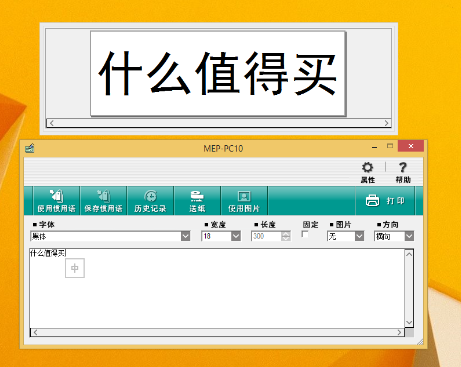
Of course inserting images is no problem either. Dead simple.
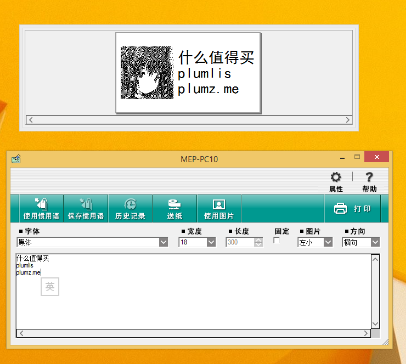
Printed results:
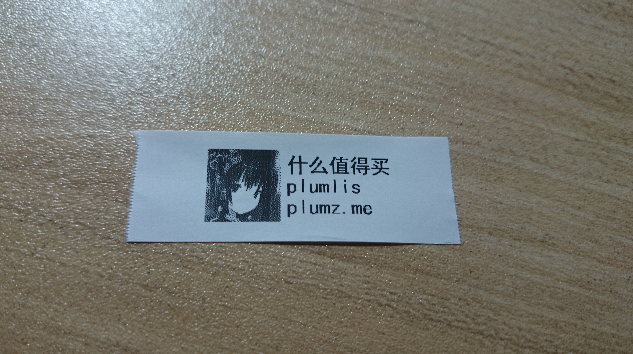
I don’t like wasting words, so here’s a concise list for everyone — whether to buy, buy later, or pay more to buy, that’s up to you:
Pros:
Under 300, cheap
Has a touchscreen
Can write and print
Can print standalone on batteries
Some other small functions (counts as a pro, I guess)
Consumables are reasonably cheap, 30 yuan a roll on Amazon
Cons:
Thermal, so no guarantee on how long it lasts
Poor support for non-Windows systems (on my Linux, lsmod found the device but adding the printer failed; Apple probably isn’t much better)
The consumable paper isn’t the peel-off sticker kind — it’s the kind where the back is adhesive right after printing, so if you don’t stick it on soon it dries out
Comments are hosted on the Chinese main site. This mirror is read-only.