19 Yuan Router
The 19 Yuan Router
I’d been meaning to pick up a router to flash OpenWRT on, mainly to mess around with bypassing the GFW. But the Linksys E4200 at home ran more stably on stock firmware, so I never got around to it and just hung a Raspberry Pi off it as a gateway instead. That worked fine. Then a while back I saw a router going for 19 yuan with free shipping, and I couldn’t hold back. Twenty yuan — that’s nothing. How much does a meal cost anyway?
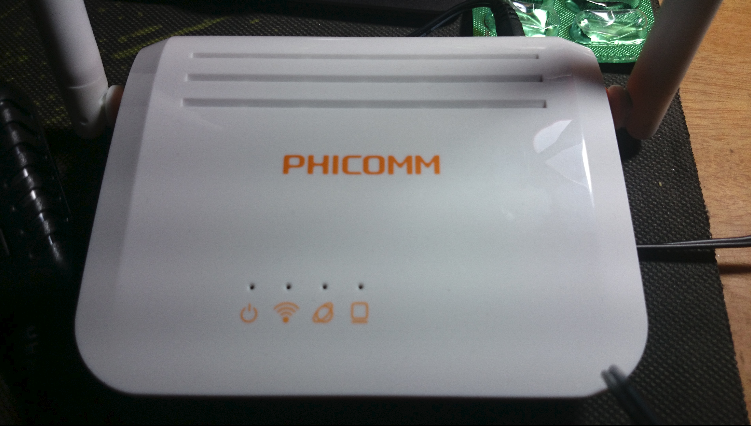
So this is the thing. Don’t ask me why I didn’t do an unboxing — the packaging is just a small box with nothing inside. Straight to the naked shots.
Then the rear end: just two ports, one WAN and one LAN. At 19 yuan, they really cut every corner they could.
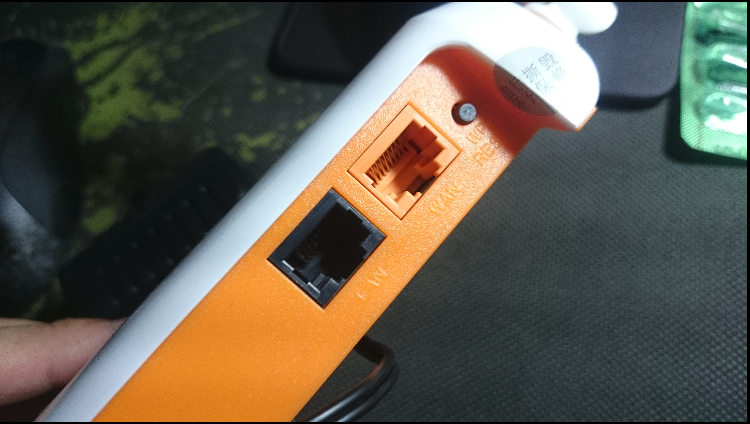
Nothing else is worth photographing. It’s a router — what’s there to see? You can circle it with a camera and it still won’t look like anything. If you’re curious, search for teardown photos online; I can’t make sense of them anyway.
The stock firmware interface looks like this. Honestly, it took me ages just to log in the first time. Quality befitting something under 20 yuan — several times it nearly froze while saving settings. But hey, it works.
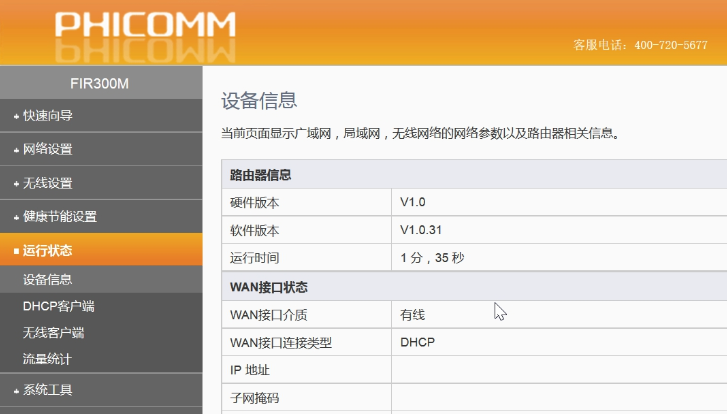
Lots of people rave about its WDS function. I actually used it as a repeater at work for a few days, and the result… everyone who connected to it sang its praises, saying their internet got slower, and they all congratulated me on this kick-them-while-they’re-down move, saying I’d greatly improved their work efficiency. That flood of applause left me too ashamed to keep it on the job, so I pulled it from duty and decided to do something more interesting. Like… flashing it.
This thing can indeed run OpenWRT. Flashing used to require a professional and special flashing equipment. Now some hero has compiled a ready-to-use image, so naturally I had to go tempt fate.
Firmware is here. Use it with a grateful heart — the person who released it didn’t have it easy.
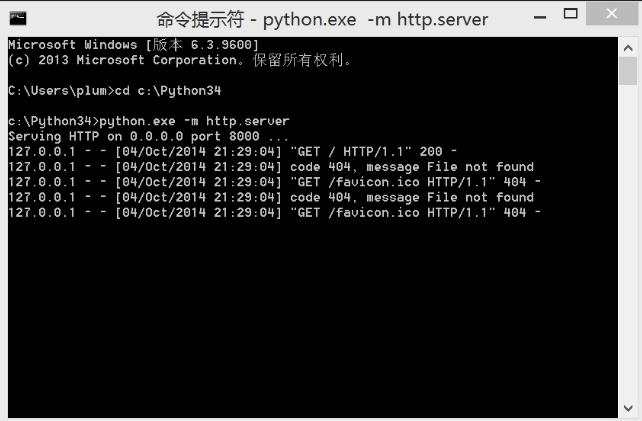
The annoying part of flashing is you need a little local web server so you can pull the file over once you’re logged into the router. I went with a Python module; nothing’s simpler.
Simple server set up
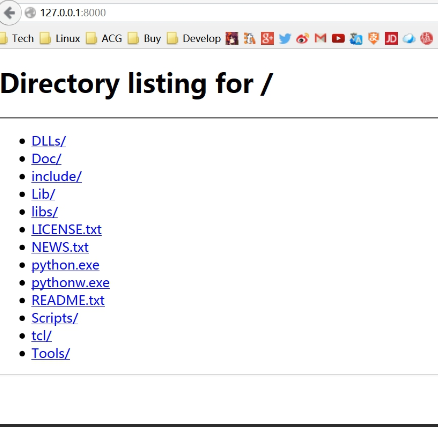
After logging into the router, visit:
http://192.168.1.1/goform/Diagnosis?pingAddr=192.168.1.100|echo""|telnetd
Then open a tracking page, and telnet becomes available. No Linux here — I was on a Surface Pro, so I had to grab PuTTY.
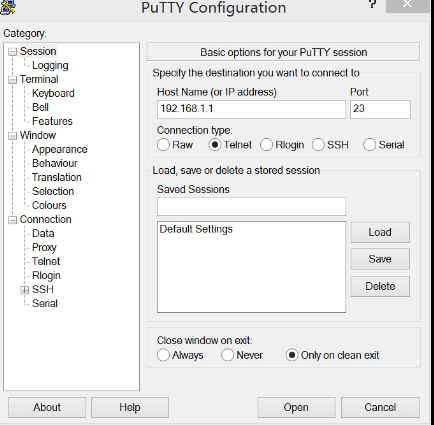
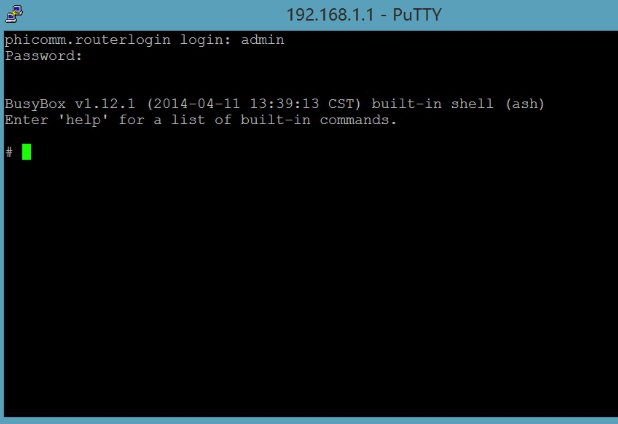
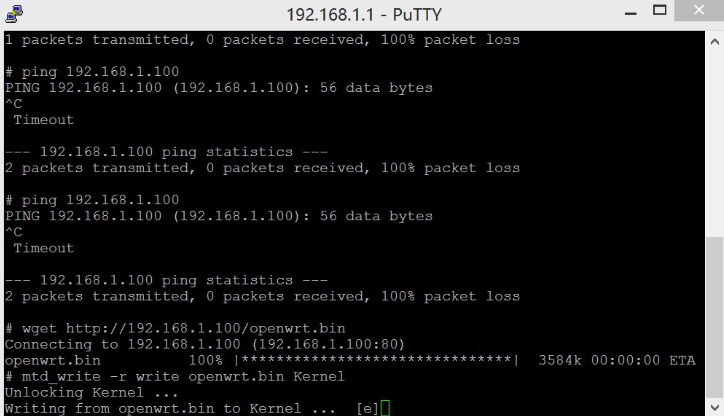
Logged in successfully, went to the tmp directory and used wget to grab the firmware.
Here I made a mistake. I was in too much of a hurry and used port 8000, which the firewall blocked, so wget couldn’t pull it down. I was about to go adjust the firewall when I thought, why am I being so dumb, just use port 80 — and it worked.
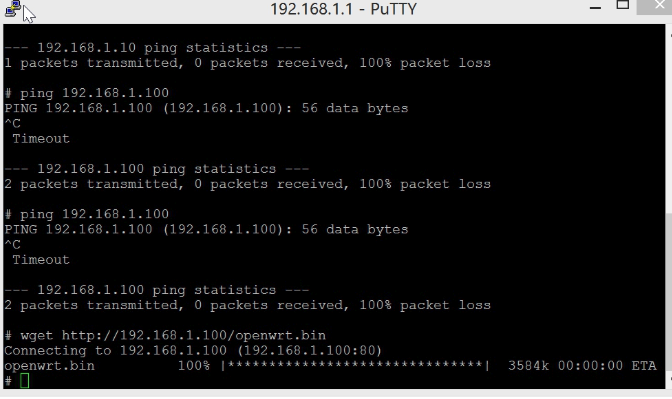
Enter the command to start flashing. Fully automatic; when you see the router reboot on its own, it’s done.
mtd_write -r write openwrt.bin Kernel
Open the router again and a whiff of sophistication hits you.
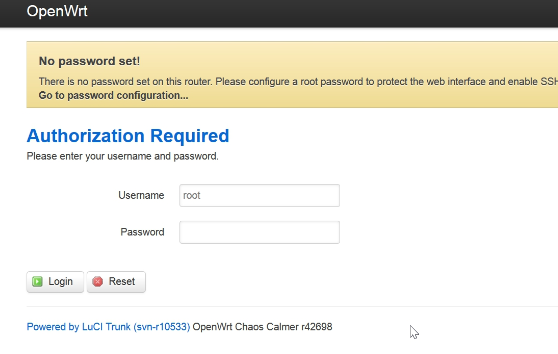
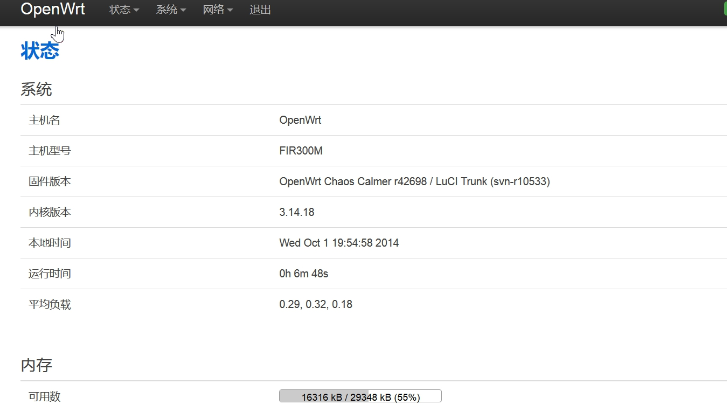
OpenWRT running successfully. After testing: Wi-Fi fine, WAN port fine, LAN port fine, DHCP fine.
Enabled SSH, logged in, and found a nice surprise.
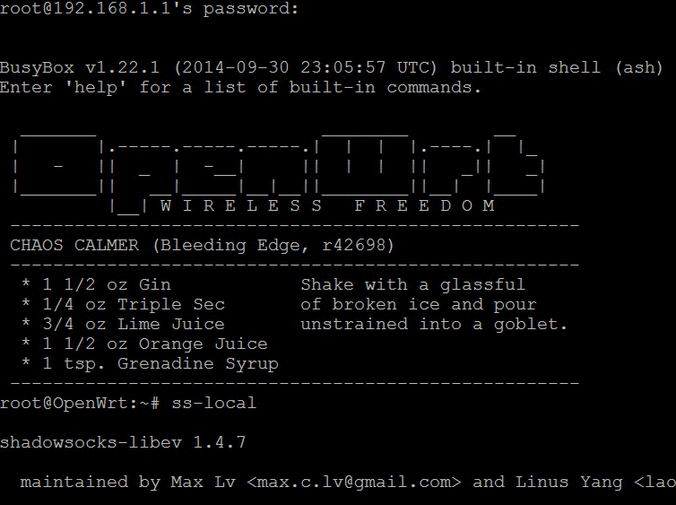
Did a quick test of bypassing the GFW — basically no problems, handles one computer and two tablets fine. Compared to the stock firmware it’s night and day…
As for stability, I’ve only used it half a day, so it’ll take a long test to conclude anything. And who cares about stability anyway — it’s a 20-yuan thing. Why demand too much.
Comments are hosted on the Chinese main site. This mirror is read-only.