Adding a Sierra em7455 4G Module to the ThinkPad X1 Carbon 5th
When I bought my ThinkPad X1 Carbon 5th from a Japanese seller, I didn’t get the LTE version. That didn’t stop me from adding it myself later.
The method follows this post by Dàn, which is what I copied.
First you need an antenna:
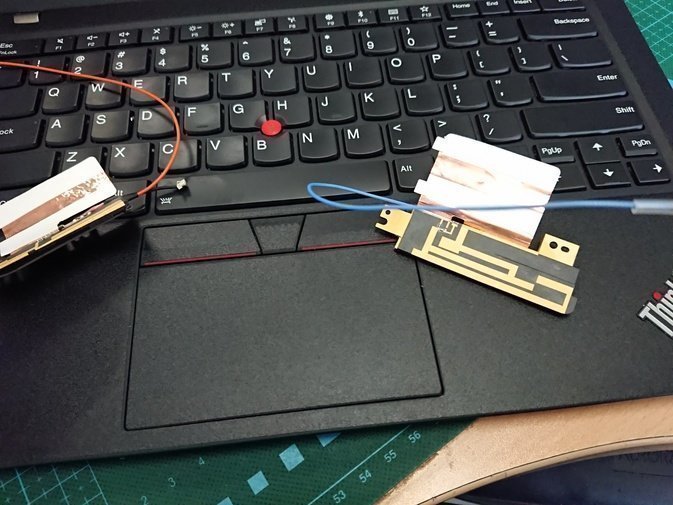
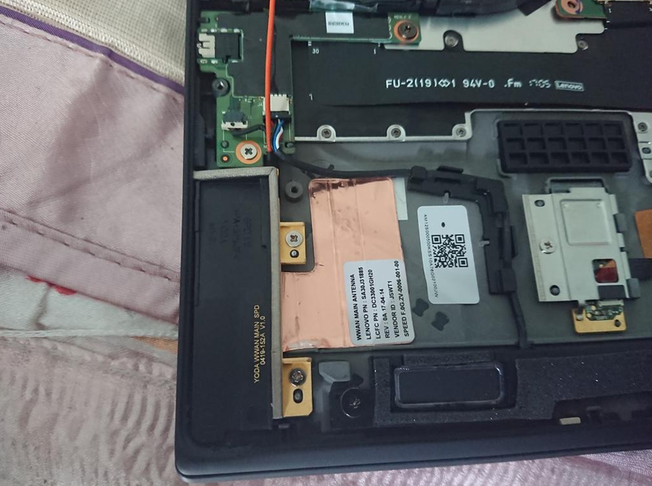
Installing the antenna means pulling the battery, popping out the two plastic placeholder blocks, and swapping the antenna in. The battery has a slot for the antenna on top, so you can just tuck it in there.
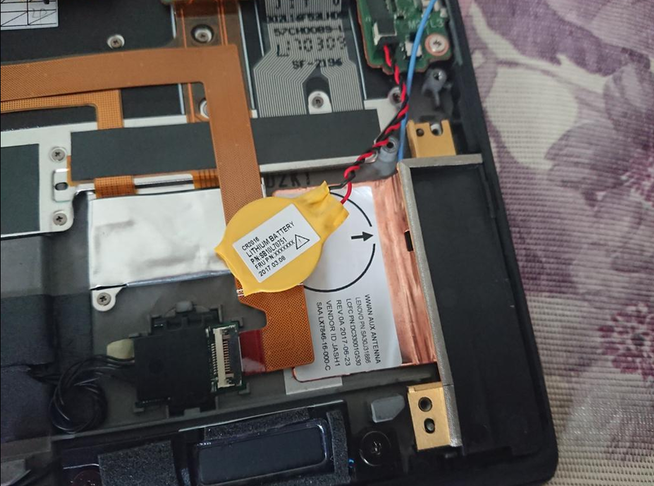
The CMOS battery on the other side also has a mounting spot on the antenna.
Then shove in the 4G module you bought off eBay — mine’s a Sierra em7455.
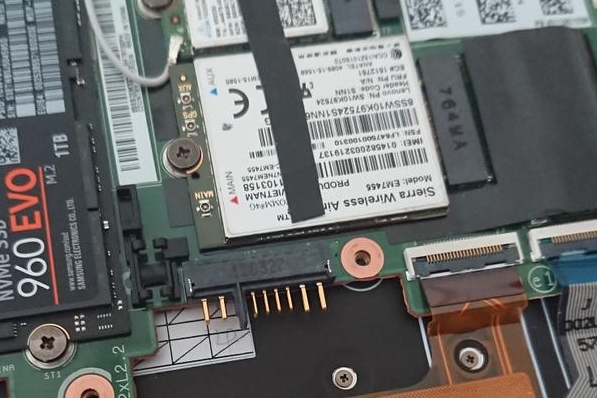
The em7455 has two FRUs. One is 00JT542, the one everyone sells. The other is 01ax746, which is the module made specifically for the X1C 5th. The latter is scarce online; I grabbed mine off Mercari. I’d recommend the 01ax746 — the 00JT542 seems to have issues.
Plug it in and it’s recognized right away.
In theory you just stick a SIM into the slot on the back of the machine and you’re good. In practice, no.
The SIM goes unrecognized. The system simply won’t see your card. I figured it was my 4G card’s fault at first, but after some Googling I found that foreigners who bought X1 Carbons with the stock LTE module hit the same problem.
After some poking around, I found the fix requires a bit of black magic:
- First, you need Windows. Booting from Windows to Go works too.
- Insert your SIM before you boot Windows.
- Once in Windows, install the official Lenovo drivers, especially the Sierra ones.
- On first install the driver runs an initialization screen.
- After that initialization, your SIM should be recognized.
- Never hot-swap the SIM. If you have to pull it, cut power completely first, swap the card, then boot. Only then will it work.
- Once the SIM works under Windows, reboot back into Linux and it’ll work there too.
- If you do hot-swap the SIM by accident and it stops being recognized, reflash the WWAN card’s firmware to reset its state, and the SIM will show up again.
Firmware download: Sierra AirPrime EM7430 resource dump (firmware, drivers, etc.)
As for the 4G card I’m using: it’s Xiaomi’s “Mifen Card,” the daily-rental one. ¥3 a day for unlimited use inside Henan province, and nothing charged on days you don’t use data.
https://mall.10046.mi.com/fanscard/index
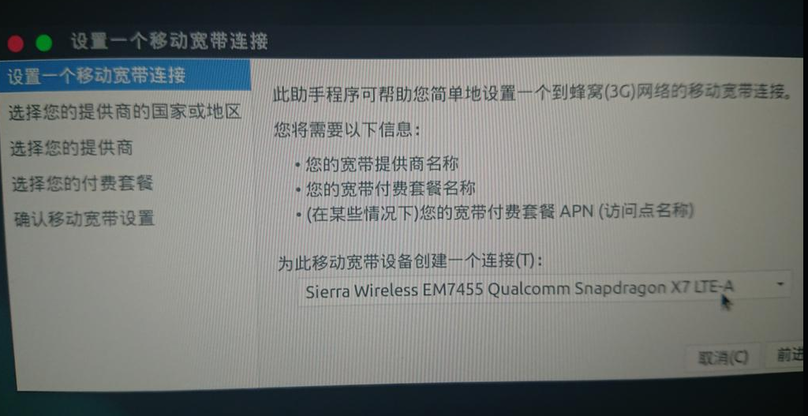
For a China Telecom SIM on Ubuntu, set the APN to ctlte when registering on 4G.
As for this WWAN card’s black-magic nonsense — hopefully Lenovo fixes it someday.
Comments are hosted on the Chinese main site. This mirror is read-only.