ThinkPad Thunderbolt 3 Dock
The Thunderbolt 3 dock I was using before was Dell’s TB15.
And that dock had one huge problem:
When you use it to drive dual 1080p monitors, one of them will likely go unstable and black out, either because the dock itself overheats or for some other reason.
The only fix is to pull the dock’s power cable, plug it back in, and wait for the damn thing to reboot or snap out of it. Then the problem goes away temporarily.
Yes, temporarily. It’ll blow up again soon enough.
If you’re only running a single display, you’re probably fine. But I couldn’t put up with it, so I threw more money at the problem and bought the official ThinkPad Thunderbolt 3 Dock.
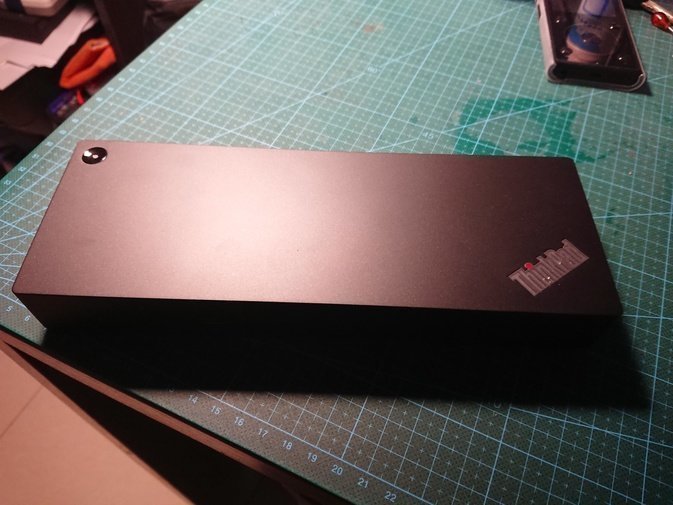
Using it has been trouble-free. Just make sure you get the “Thunderbolt” dock when buying, because ThinkPad also sells a USB Type-C dock that’s a bit cheaper but isn’t Thunderbolt. The gap between Thunderbolt and non-Thunderbolt is pretty big.
No issues once it arrived. Official ThinkPad with a ThinkPad Thunderbolt dock works nicely together. Only complaint: the bundled Thunderbolt 3 cable is way too short. I figured I’d grab a new one on eBay — then I saw the price. Holy shit, a 40Gbps Thunderbolt 3 cable runs about 300 RMB. I kneel. Never mind.
Comments are hosted on the Chinese main site. This mirror is read-only.