Moto 360: First Thoughts
Moto 360: First, It Has to Be a Watch
It’s been nearly a month since I got the Moto 360, long enough that I figure I owe it some proper impressions.
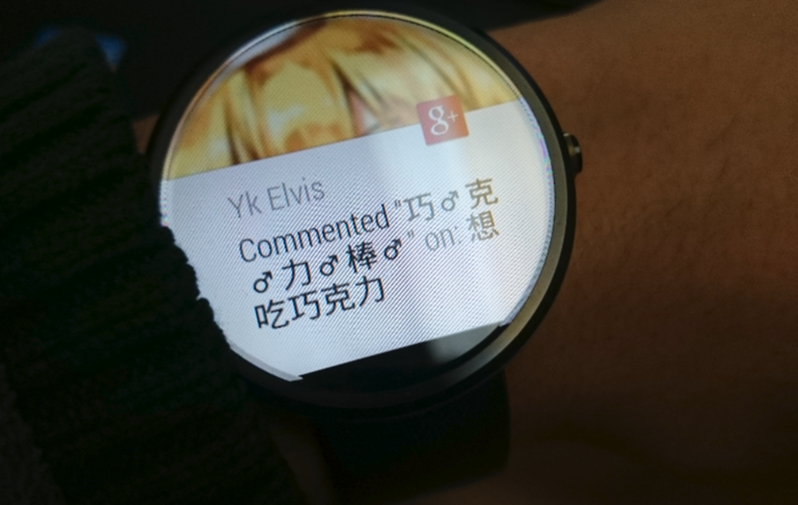
Photos of how this thing looks are all over the internet already, so I’ll just talk about the parts I think people overlook.
Wearing comfort
Most reviews online say “it looks huge but it’s comfortable on the wrist and doesn’t stick out much.” In practice there are still some annoyances. I’m not a small guy in height or build, but while cycling I still notice it: when I’m gripping the handlebars, the watch face digs into my hand. It sits so close to the wrist that when I bend my hand back, the face presses into the back of my hand. Also worth mentioning: if you regularly do fiddly work in tight places—crawling around a server room yanking network cables, bending over to plug cables into a desktop tower—watch out for that big face. Bumping it is one thing; a crack or a scratch is a much bigger pain for anyone with OCD tendencies.
Battery life
Honestly, this is what people complain about most, and it’s what I care about least. I’ve never once worried about the battery while wearing the Moto 360. My use isn’t light, but it isn’t heavy either—it’s just a watch, and swiping around on it doesn’t accomplish much. Put simply: on a normal day from 8 a.m. to 6 p.m. I’m left with nearly 75%. Add an evening run and I’m still at 50% when I get back. Given the giant face, you’re not going to sleep with it on, so you drop it on the charger and tomorrow it’s brand new again.
One more thing: a lot of people blame the old CPU for the battery life, but I think the screen is the bigger culprit. The CPU is plenty for this thing, and its draw is nothing compared to the screen, the real power hog.
What it actually does
When deciding whether to buy a Moto 360, most people ask “what’s the point?” or “what would I even do with it?” From my experience: it can’t do anything huge, but it isn’t useless either.
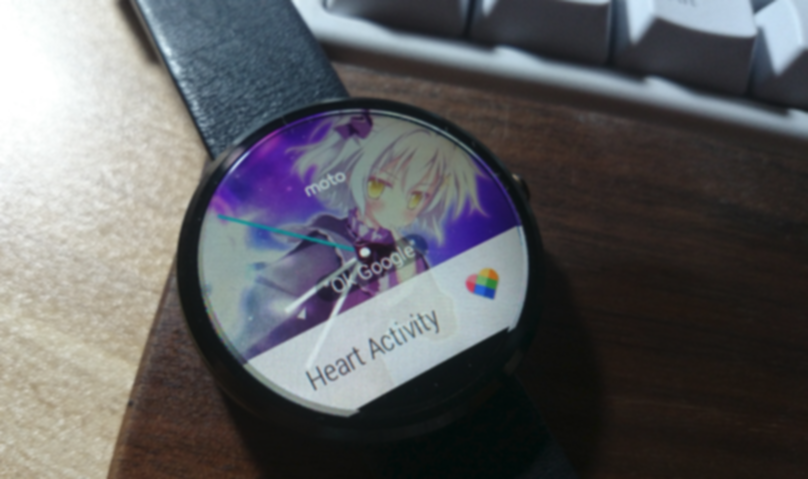
First, it’s a watch, and it tells time. Thanks to the excellent display and the sensors, you get the cool “raise your wrist and the screen lights up” trick. The latest Moto Watch app lets you customize the watch face—use a built-in one or upload your own image, and you can make it look however you like.
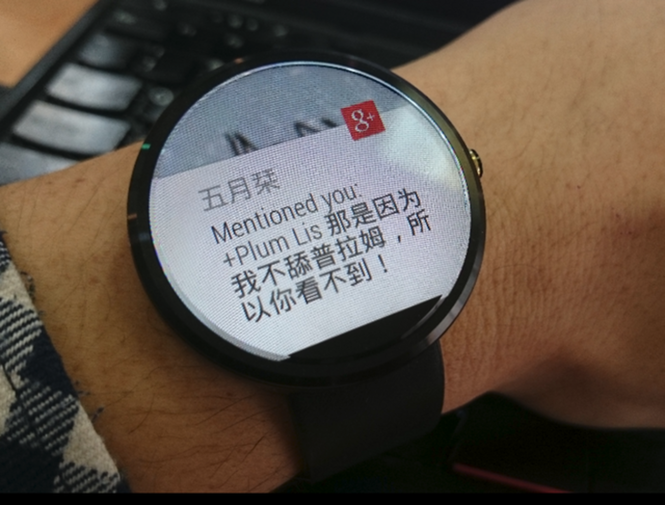
Second, it’s a supplement to your phone’s notifications, mirroring pushed messages onto the watch exactly as they arrive. SMS, email, WhatsApp, Discord, X, Google+, Instagram, and so on—and depending on app support, you can act on them right from the watch: +1 a Google+ notification, retweet something on X, reply to a text by voice or a canned phrase. Answering calls is no problem either, though without a Bluetooth headset you’ll still be pulling out your phone to talk.
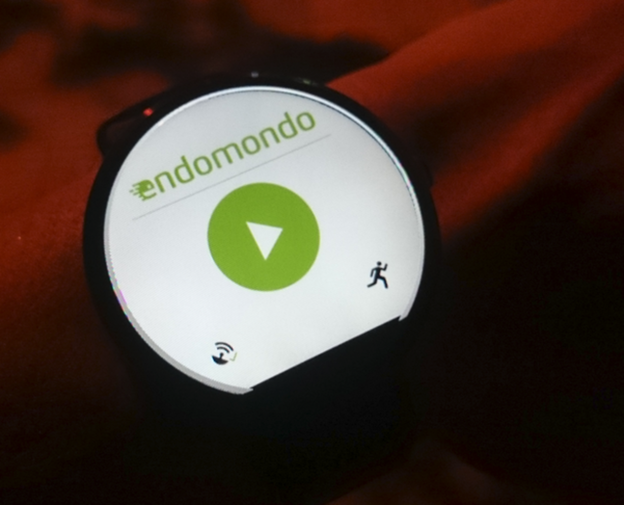
Finally, it can interact with some phone apps. Right now you get remote control for your phone’s music player—picking tracks, calling contacts remotely (Chinese support is poor), Endomondo run timing, and so on. There are other fun apps on Google Play too: Pear, which warns you when the watch and phone drift too far apart; Camera, which remotely triggers your phone’s shutter; and other odds and ends. Most of them I couldn’t be bothered to mess with, honestly.
Health tracking
Moto 360 has built-in sensors that can check your heart rate by various means. It’s definitely not as accurate as medical equipment, but it’s fine for a glance. It also has the necessary step counter and can estimate how much you’ve moved in a day—basically it replaces the common fitness band, which is why I retired my BongII to a shelf after getting the Moto 360.
For health stats you can use Google Fit or Moto’s Activity. The former requires Google Location Reporting to be on or it’s useless—and in China that’s blocked, so I can’t open it. I make do with the latter, but it has no phone client, so there’s no unified view of the data. It does record everything faithfully on the phone, though. Here’s hoping for a mobile app someday.
Getting around the Great Firewall
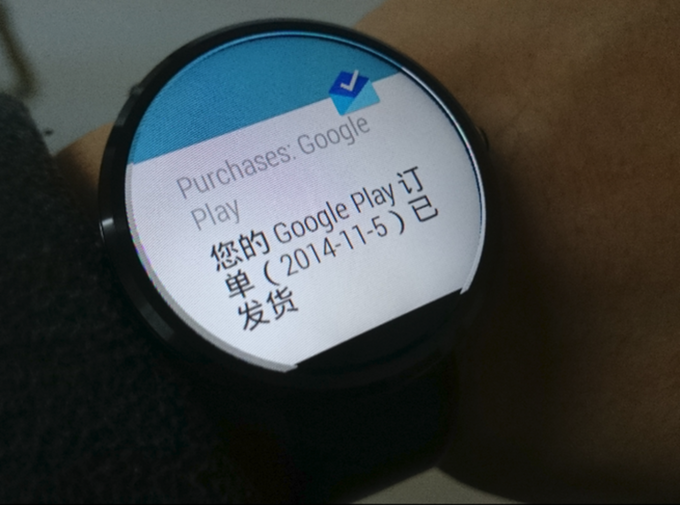
The watch’s notifications are tightly tied to Google Now on your phone, and that includes some Chinese apps. Google Now figures out what kind of notification it is—shipping updates for something you bought, today’s weather, today’s schedule—and pushes it to the watch for the wearer. In short: if your phone doesn’t have Google Now or a way around the firewall, then for you this really is just a watch.
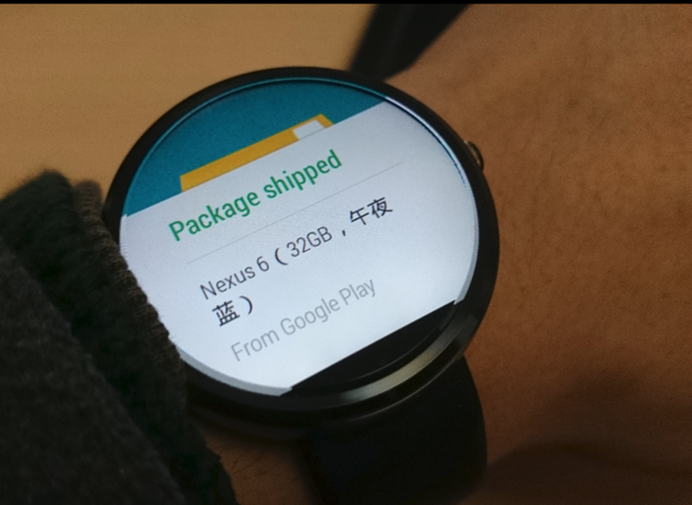
Google Wear devices currently seem to only support Android. There are rumors that Google has promised iOS support down the road, but until you see a shipping product, that’s just a rumor.
Last, my personal take: for something like a smartwatch, looks matter more than anything. The Moto 360 is still the only smartwatch on the market worth buying, and unless Apple pulls out some black magic, I don’t see it bringing much of a surprise. For wearables—things you put on so other people can see them—no matter how cool the features are, first… it has to be a watch, not a brick.
Comments are hosted on the Chinese main site. This mirror is read-only.