Living with Logitech Bluetooth iPad Keyboard
Logitech Bluetooth iPad Keyboard: Hands-On Impressions
As a weakling who can’t do anything but type, I’ve actually always wanted to use an iPad as a typewriter. The touchscreen is fine, but it’s just too much effort, and not having a physical keyboard always feels like something’s missing. So one day, while wandering around Tmall, I saw a Logitech Bluetooth iPad keyboard for 200-something yuan, down from an original price of 600-something, and bought it on the spot.
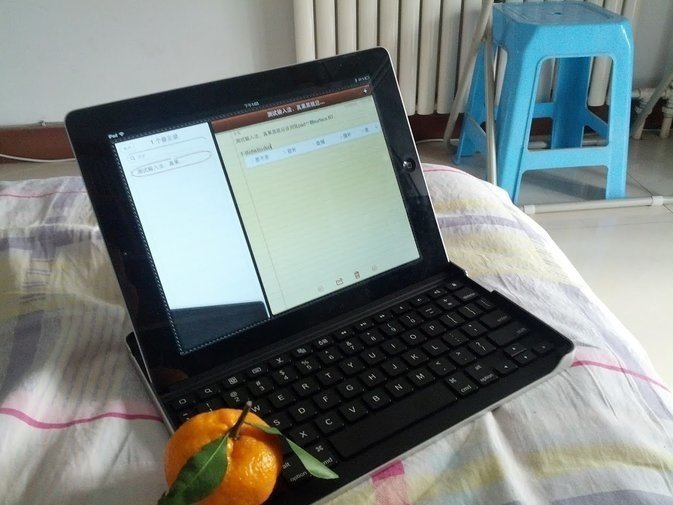
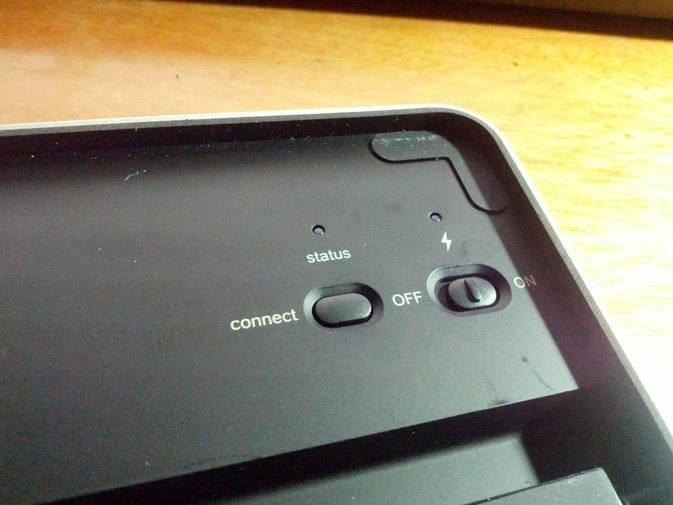
After getting the keyboard, I immediately paired it with my iPad, of course over Bluetooth. The iPad paired with it easily, and after pairing once, all you need to do is flip the switch to use it again.
The thing can flip around and clip onto the keyboard, using the keyboard as a protective cover. I doubted an iPad 3, heavy as it is, could be propped up by such a small keyboard, but there’s really nothing to worry about—it does get propped up, and it’s quite stable, ( ̄▽ ̄).
The keyboard doesn’t take batteries; it needs charging, and the charging port is just the usual mini USB. As for battery life, I haven’t tested it, no idea—I haven’t charged it since I bought it, anyway.
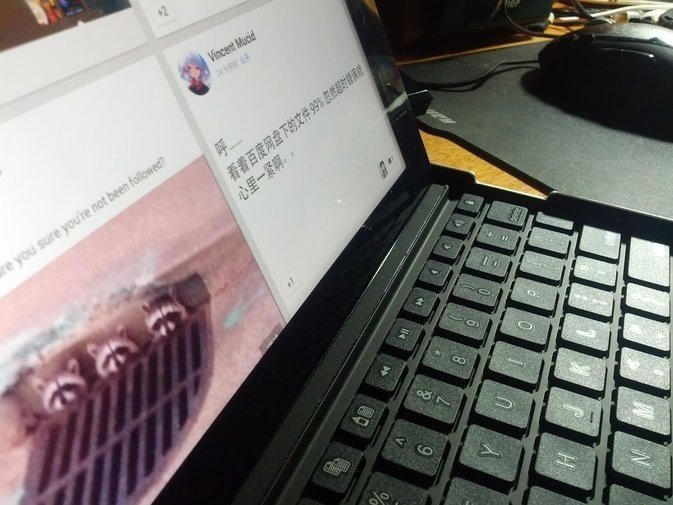
So let’s talk about how the keys feel. In short, it feels about the same as the MacBook Air I’ve used, maybe even highly similar, enough that you have to wonder if they referenced the MacBook Air keyboard. There are differences, of course—the buttons are a size smaller, so you need to adjust, but once you do, it’s fine.
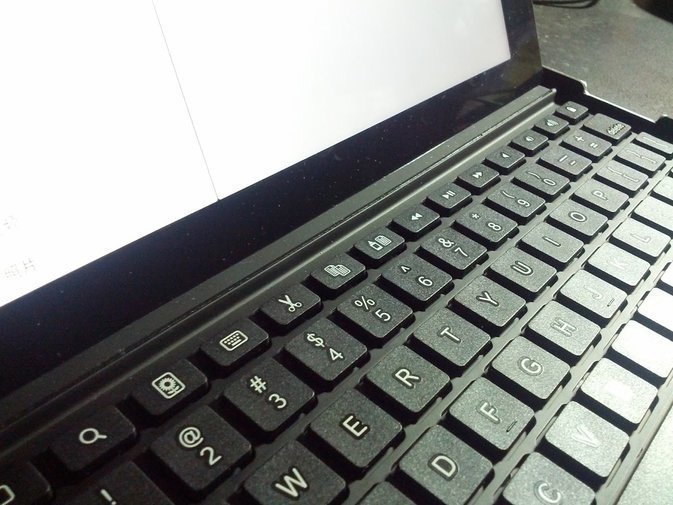
Along the top is a row of function keys for the usual stuff: home, lock screen, play, search, and so on. If you’re used to them, you basically don’t need the iPad’s physical buttons. That does create a problem, though: the backspace key and the lock-screen key are very close together, so one careless tap and, well, you know how it goes.
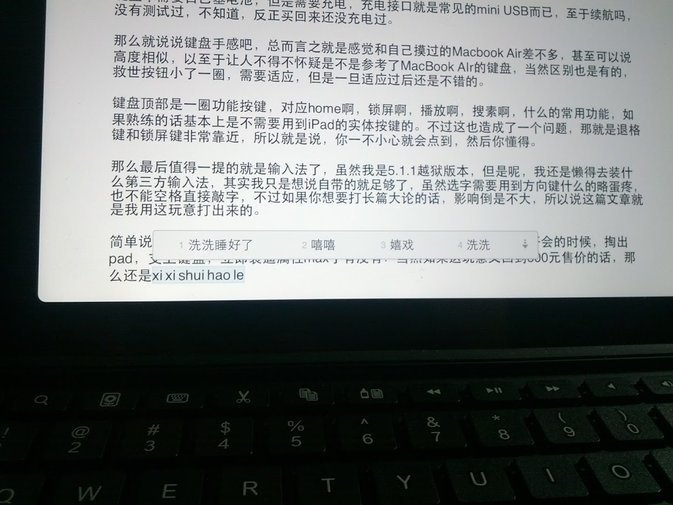
Last thing worth mentioning is input methods. I’m on a jailbroken 5.1.1, but I’m too lazy to install any third-party input method—really I just want to say the built-in one is good enough. Sure, selecting characters with the arrow keys is a bit of a pain, and you can’t just hit space to confirm a word, but if you’re writing long passages, it doesn’t matter much. This post, in fact, was typed on this thing.
Simply put, at 200 yuan, buying this thing is pretty good. Especially when you pull out your iPad and prop up the keyboard at a meeting in the afternoon—your poser stats max out instantly, right? But if it goes back to the 600 yuan price, then forget it and go to bed.
Comments are hosted on the Chinese main site. This mirror is read-only.