Hands-on: Onyx Boox Note
Onyx Boox Note
I used to have a Kobo Aura HD. I bought it to read books, but I didn’t read many books—I ended up reading mostly manga.
Recently I’ve found a few things about the Kobo that annoy me.
First, manga isn’t great on it, since the screen is small. Then there’s the lack of marketplace apps—you can flash Android, but it’s an old version and the experience is poor. On top of that, Kobo’s official services are no longer available in China, for reasons you can guess.
So I started thinking about switching. The requirements: a bigger screen, convenient app support, and a reasonable price.
That’s when I saw Onyx had announced a new 10-inch e-ink device, the Boox Note. They said pre-orders would start around New Year’s, but January came and went without anything happening. Then they said pre-orders would start on February 4th, which got pushed to February 7th. Anyway, it still shipped before Chinese New Year, Tmall offered interest-free installments, and the first batch came with a free case. Pretty decent overall.
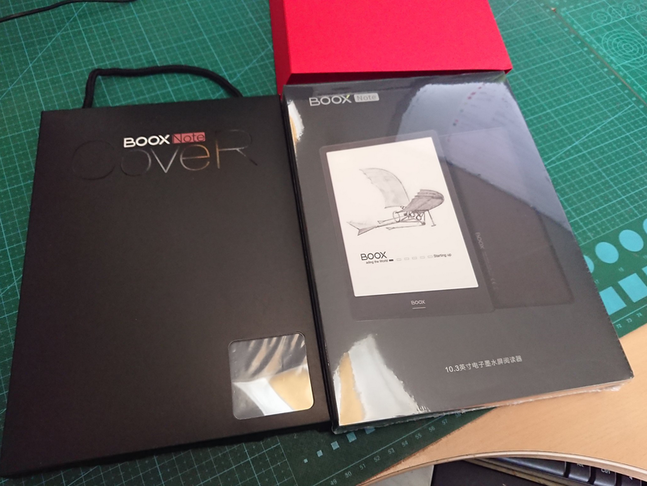
I haven’t used it long—just read half a book on and off—but I can share some quick impressions.
First, size. Compared to a Kindle or Kobo, it comes down to four words: “Big is good!”
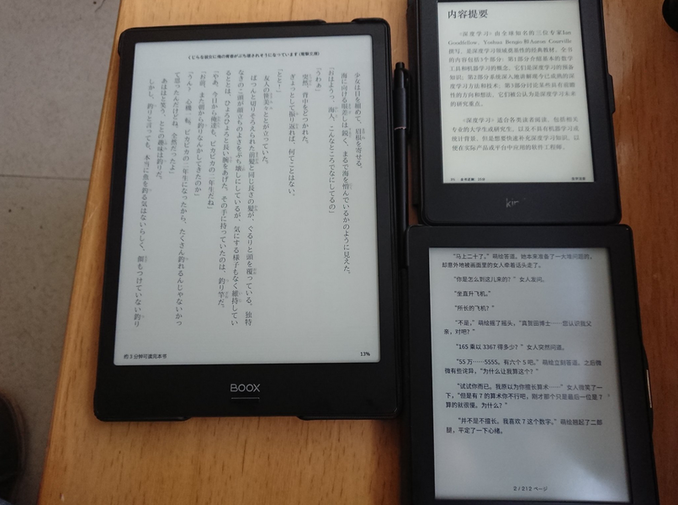
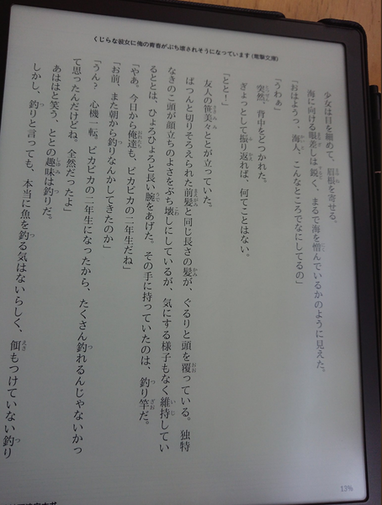
The screen quality also feels better than the Kobo’s. The resolution isn’t as high as I expected, but it’s still nice and crisp.
The device runs Android 6.0 underneath. Worth mentioning: it comes with both the Google Play Store and a Chinese app store preinstalled, so it covers both markets. If you want, you can install a VPN app and route all traffic through it—pair that with the Kindle app and the overall experience beats a Kindle.
Another thing worth mentioning is the handwriting support. It uses Wacom technology with pressure sensitivity, and the included stylus feels good. Writing on the screen feels a bit weird though, because the screen scratches easily—I already see fine marks on it—and Taobao doesn’t seem to have any reliable screen protectors.
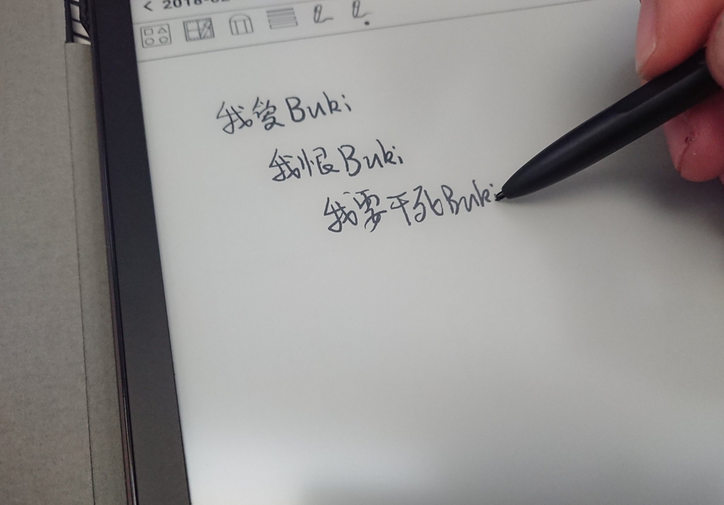
That’s basically the whole device: a bigger e-ink screen plus handwriting support. It’s considerably cheaper than the foreign Remarkable, and it’s much more expandable.
A few things to keep in mind:
- It uses a USB Type-C port.
- No expansion—32GB built in.
- The Play Store in Android 6.0 requires you to figure out how to log in first.
- The included case feels mediocre.
- The difference between the Boox Note and the Boox Max 2, besides size, is that the Boox Max 2 uses MicroUSB and supports expansion.
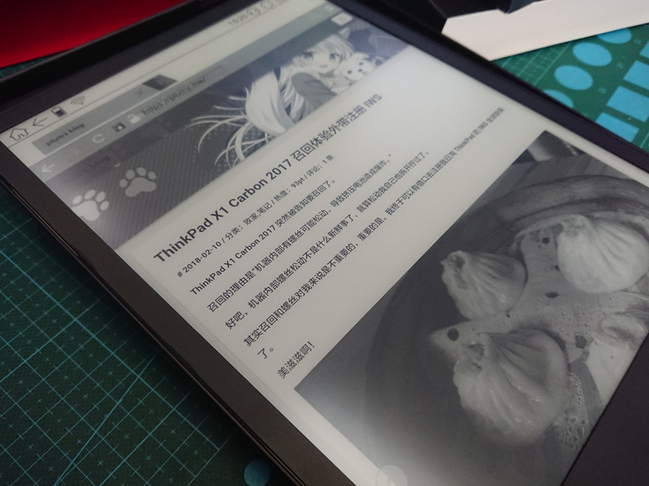
Overall this e-reader is a great value. It meets my needs on every front. And with Galgame getting more and more boring lately, I’ll probably be reading more books in the future.
Comments are hosted on the Chinese main site. This mirror is read-only.