Impressions: Nexus 6
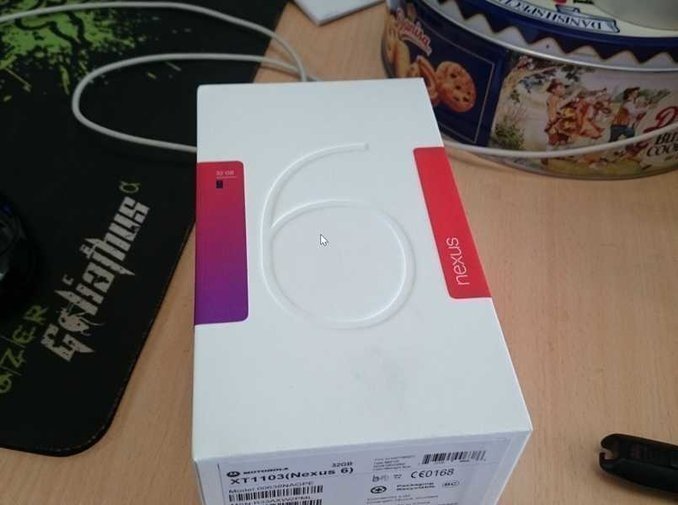
Nexus 6 Unboxing and Quick Review
I bought the Nexus 6 the same way I bought the Nexus 9 last time — same channel, arrived at almost the same time too.
There’s already plenty of info about this phone online, but I’ll still keep it brief.
Size and handling
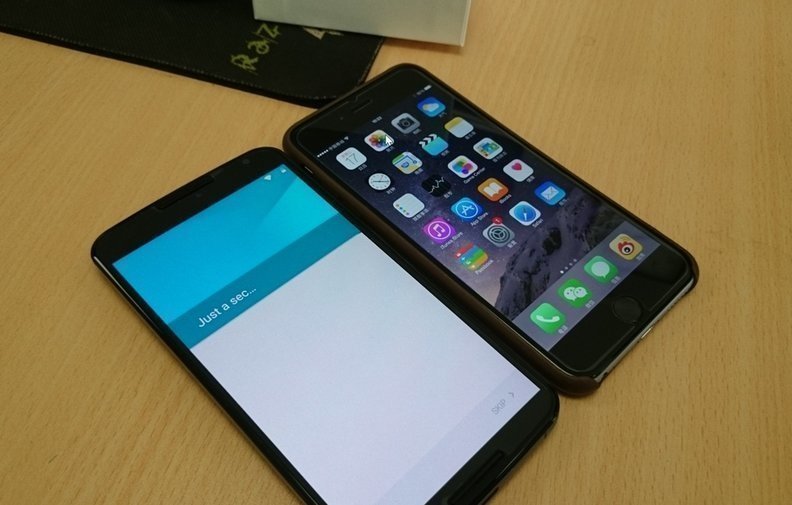
The Nexus 6 has a 6-inch screen, naturally. The phone itself is actually the same length as the iPhone 6 Plus, just wider, with narrower bezels and a larger actual screen area than the iPhone 6 Plus. I’m 198cm tall, so one-handed use feels just about manageable. At first the screen was so big I had to start using a full keyboard for input, but once I got used to it I switched back to a 9-key layout and it was fine. If you’re on the smaller side, you might want to think twice.
Performance and specs
I can’t be bothered to look up the Nexus 6’s benchmark numbers — all I can say is I never noticed any obvious lag or lack of power in use. It’s fine. It does get warm, but not seriously so. What I do need to point out is that this thing has an A screen — AMOLED, the same kind Samsung and the PSV use, with colors so vivid they’re scientifically implausible, and the same tech that’s prone to burn-in over long use. As someone used to IPS, I felt uncomfortable with this A screen immediately, especially when switching back and forth with the Nexus 9. But after a while… I got used to it. And Android 5.0 isn’t what it used to be — the black bar at the bottom goes transparent on the home screen now, so that should minimize burn-in as much as possible………… probably.
Battery and endurance
The Nexus 6’s battery is powerful, but endurance isn’t great. And Android 5.0’s battery usage percentage readings are just bizarre — most of the time Shadowsocks is the top drain, sometimes it’s standby. In normal use it barely ties with the Sony Z1, meaning one charge a day, so I don’t worry about it much. After all, two days per charge is basically a luxury these days.
Other features
The Nexus 6 supports wireless charging. I bought a Nokia Lumia wireless charging pad — it charges when placed on it, and not slowly either. Recommended.
The Nexus 6 has something like Moto X’s ambient display tech: it senses when the phone is picked up and shows black-and-white content on the screen, including notifications and time. This monochrome display mode takes advantage of an AMOLED characteristic — putting the hardware to work, really. In practice it works well and cuts down a lot on how often you press the power button.
Last thing worth mentioning: right now there aren’t many good cases for the Nexus 6. The once-great SGP put out three — one with a transparent back that’s ugly as sin, another slim lightweight one that looks fine but leaves the top and bottom unprotected. Finally I found the Ringke Slim case. It’s thin, covers the whole phone, looks good, and more importantly, they actually left a lanyard hole in the shell! Rare!
And the camera. Simply put, the Nexus 6’s camera isn’t as good as the Sony Z1’s, but in use it actually feels a bit better than the Z1. Image quality is about the same in daylight; at night the Nexus 6 is a bit worse, though the Z1 isn’t exactly great at night either.
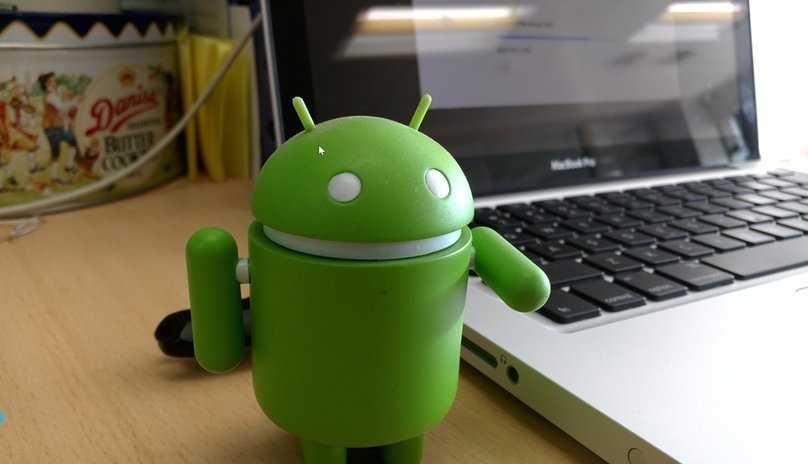
Here’s a sample shot.
All in all, I bought the Nexus 6 because it’s a Nexus, not for any other reason, so I’m happy to be back on stock Android. My demands on a smartphone aren’t that high, so it meets my needs for now. If you think the Nexus 6 is too big, you can buy a Moto X — because from every angle, the Nexus 6 is just a scaled-up Moto X.
Comments are hosted on the Chinese main site. This mirror is read-only.