A Few Days with Chromecast
2015 ChromeCast Review: Using It Behind the Great Firewall
Bought the ChromeCast on Black Friday. The point was to test EMS’s official overseas forwarding service. Turns out that forwarder is deeply unreliable — this $19 thing from Amazon US took a month to reach me, and it went missing a couple of times along the way.
Anyway, it arrived. A lot of people probably want to know what this thing is good for, and how it can still be used in China in 2015. So let me run through it briefly.
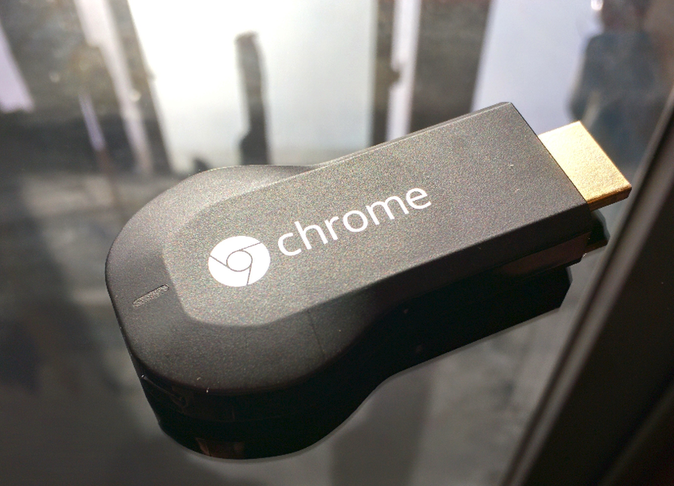
The packaging is dead simple — just a box. The instructions are printed on the box, and they’re just as simple: plug it into the back of your TV.
Really it’s no different from any other TV stick, except for one thing you need to watch out for: the ChromeCast needs its own external power supply. So make sure there’s a USB port behind your TV to power it, or go hunt for a wall socket…
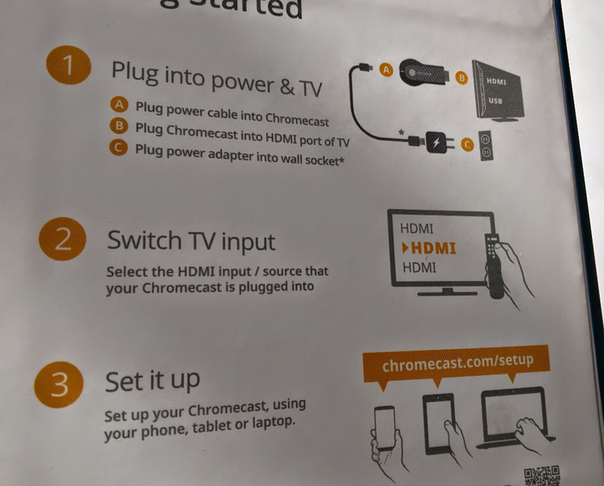
First boot requires a phone or tablet with the ChromeCast app to set it up. Setup is easy — connect it to the WiFi you want, and then very quickly, the problem shows up…
Startup requires an update, and the Great Firewall blocks you.
Two ways around it:
- Set up a router with VPN access
- Use Fqrouter to route specific IPs through the VPN
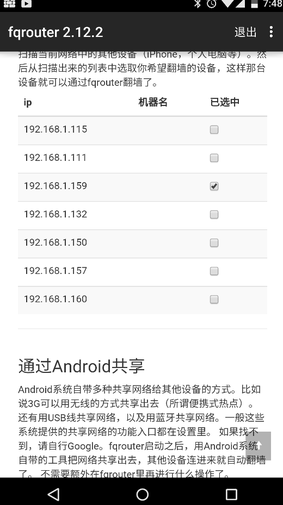
The first one needs no explanation. The second is simple: look up the ChromeCast’s DHCP IP on your router, then route it through the VPN. Fqrouter stopped being updated, but its built-in Shadowsocks still works if you pair it with your own server.
With the VPN up, the update starts quickly enough, though it’s slow.
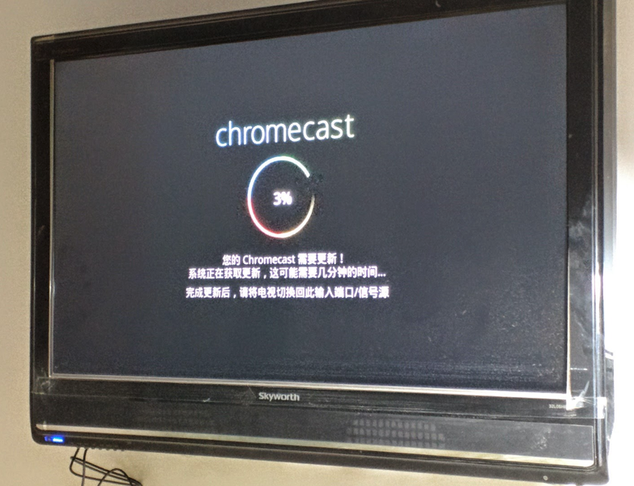
Once updated, it’s usable. So what can it do?
It casts video from apps on Android devices… or mirrors the entire Android device screen. There’s latency, but it’s not terrible; supposedly it depends on the Android device’s performance.
Can you use it on a desktop? Yes — you need Chrome and the ChromeCast extension.
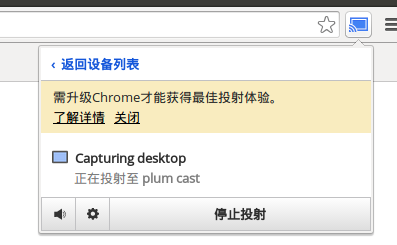
So mirroring your whole computer screen is no problem.
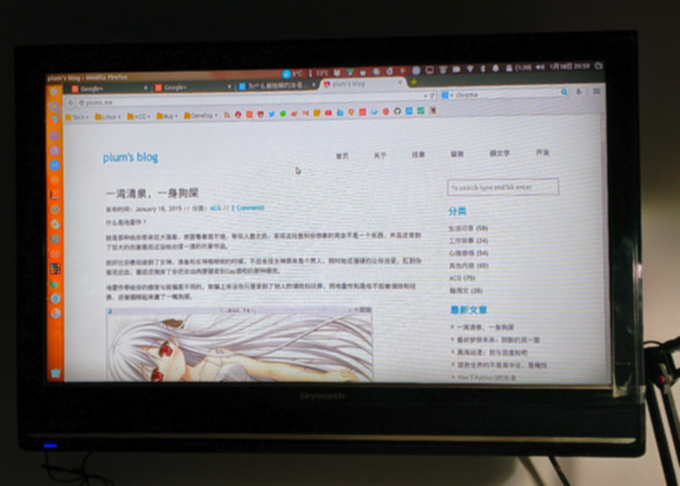
Then you might think, holy crap, this thing is great — but you’re celebrating too early.
Everything depends on the Google ChromeCast being able to access the network.
In other words, if your ChromeCast can’t reach the internet, it tells you the ChromeCast is currently unavailable.
So even if your ChromeCast connects to an AP with internet access, the Great Firewall can still make it report itself unavailable.
I doubt anyone is going to keep VPN routers scattered around the house, right?
The old Chromecast at least worked, because a few Google IPs were still reachable. It’s 2015 now — you know how it is.
This thing is basically useless inside the Great Firewall. But for Linux users, MiracleCast’s support for Miracast on Linux is still murky, and WIDI doesn’t work either, so the ChromeCast may be the only wireless casting option usable on Linux — assuming you have a WiFi AP with VPN access.
Alright, time to call it a night. Done.
Comments are hosted on the Chinese main site. This mirror is read-only.