Reset Linux Root Password
Advertisement
I forgot the root password of my NAS, which is running Debian.
After some Googling I found an easy way to reset it.
Advertisement
Press “E” on your GRUB menu and add “init=/bin/sh” at the end of the “Linux” line. Also change “ro” to “rw”.
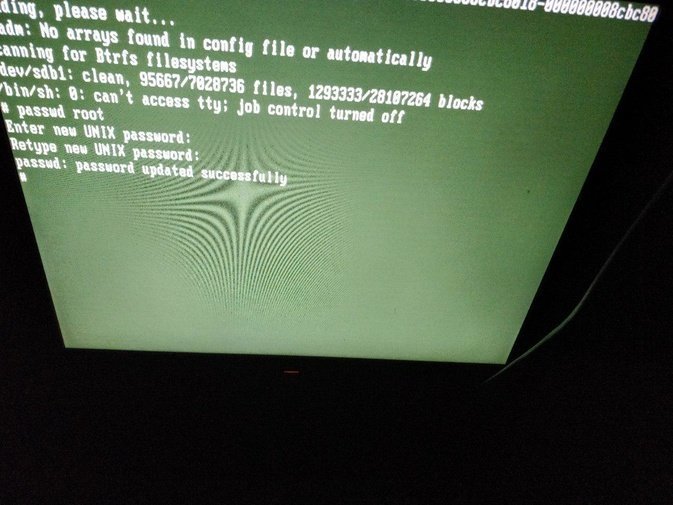
Press Ctrl + X to log in and change your root password.
passwd root
Turn it off and on again (power button).
Done.
Comments are hosted on the Chinese main site. This mirror is read-only.