DLink DSN-1100 IP-SAN: First Thoughts
DLink DSN-1100 IP-SAN
I bought this purely to save a buck…
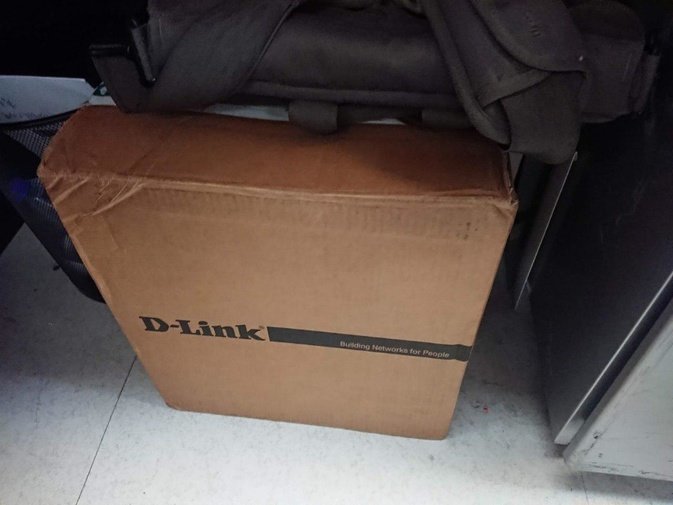
Think about it — 199 yuan. Even just a hard drive enclosure costs about that much, so it’s a win.
When it arrived the box was huge. Free shipping at 199, too — the shipping cost alone must have been a pain.
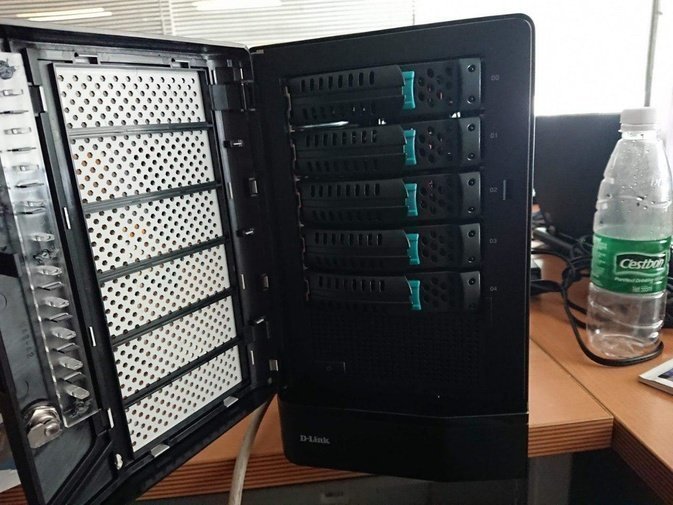
Opening it up, the machine looks pretty standard. But installing drives requires a special screw and screwdriver — no tool-free swapping here.
I didn’t have any drives on hand, so I dug out a 1TB drive and slapped it in to take a look. This thing is a bit of a hassle to set up: first it has to be connected to the LAN, then you access its IP through a browser.
And to open that page you have to install a JRE on Windows… though once it’s configured, you connect by IP from then on.
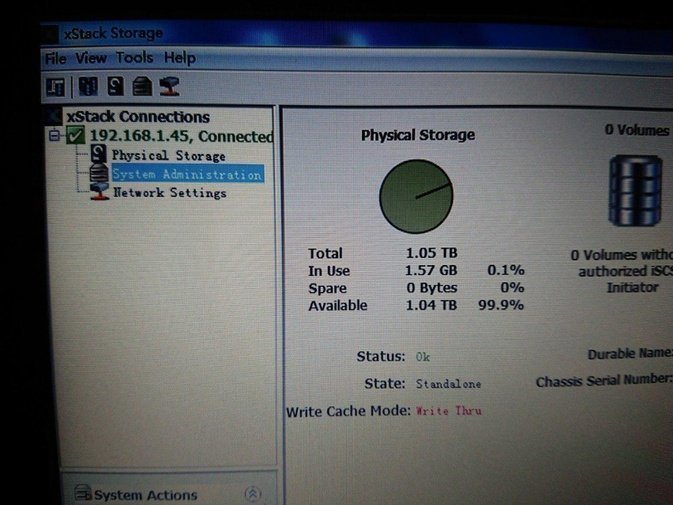
As you can see, the dumb thing did detect the drive. Actually I also threw a 320GB drive in there.
The default firmware is ancient. You can ask the seller or download the latest version from the official FTP. Supposedly the newest firmware supports 4TB drives.
Upgrading the firmware is easy too — find the upgrade section in the web console and upload the firmware, basically the same as upgrading a router.
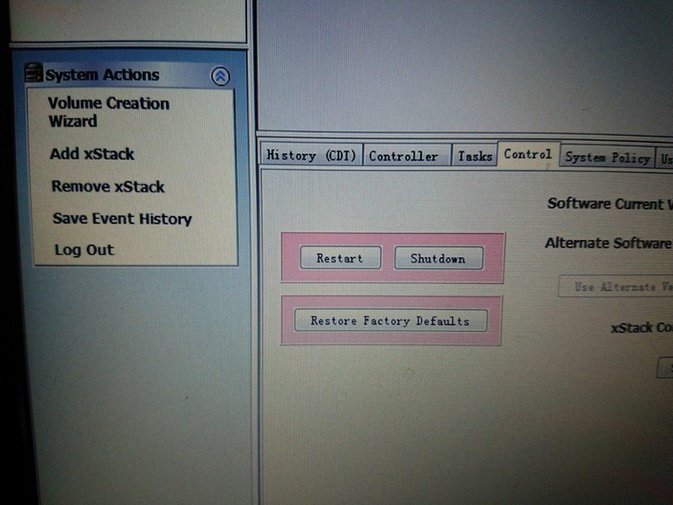
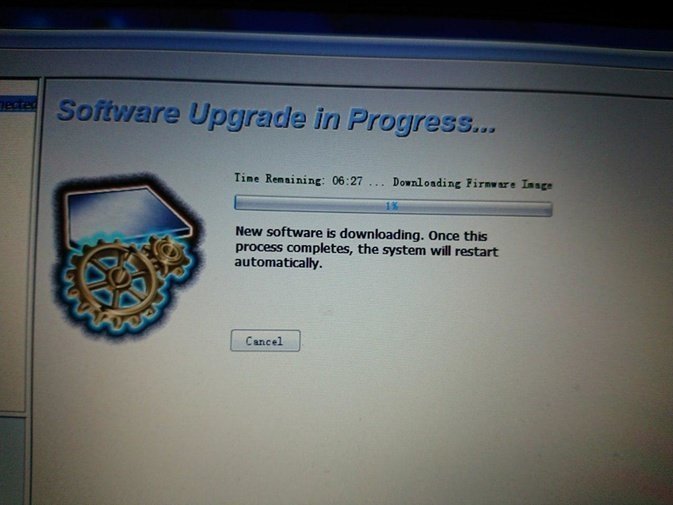
Once the upgrade finished, that was about it. As you can see, the version is pretty new now.
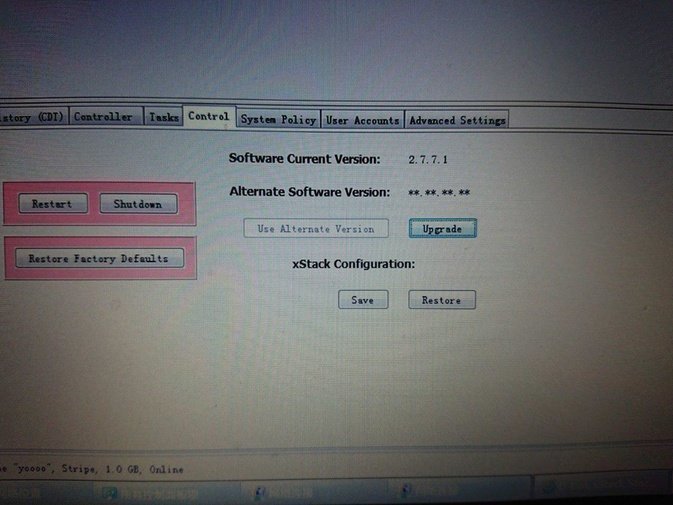
And then I put it away… not that I don’t use it, but I’m saving it for when I move house and can pair it with my NAS. Since it’s an iSCSI network disk, mounting works differently, and the power draw isn’t low either. I’ll treat it as one of those enclosures for boot-time backups that stays off the rest of the time.
Comments are hosted on the Chinese main site. This mirror is read-only.