Fixing the Xiaomi Mi Pad 4's touch screen dropouts and related issues
I bought a Mi Pad 4 a while back. Honestly it has no other problems, but for gaming it has a huge one:
**Namely, “touch dropouts.”
Actually, this kind of touch dropout is an old issue with Xiaomi and the like. Lots of people have talked about it — from the Mi Mix 2s to the Redmi Note 5, it’s everywhere. Many say the problem is that Xiaomi’s touch ICs just aren’t good, and the Mi Pad 4 being a low-end product certainly wouldn’t use any fancy touch IC. So not long after buying this tablet, after playing some Honor of Kings on it for a while, I noticed the screen touch started jumping around, and sometimes it would just randomly cut out… or stop responding.
At first I concluded the root cause was:
Because the touch chip is cheap, after the machine runs for a while and heats up, the touch goes haywire.
After all, the tablet was fine right out of the box. The problem only showed up after using it for a while, and only intermittently — it didn’t go crazy constantly. It didn’t happen often, but for gaming that’s enough to be fatal…
But later I found the touch jumping wasn’t strictly a temperature issue. Sometimes it would jump shortly after I started playing, and the jumps were completely irregular — could be a split second, could be three or four seconds…
Then I noticed something else: when it was plugged in and charging, the touch dropouts disappeared.
Combined with something I’d read somewhere that “tablet touch dropouts might be caused by static electricity,” I tried this:
While gaming on the tablet, I’d casually touch the charging port at the bottom with my hand — and the dropouts decreased dramatically. Even if the screen did glitch, one touch made it vanish immediately, and it wouldn’t come back for a long time.
So the preliminary conclusion: it’s a static electricity problem.
But considering that touching the charging port while gaming is pretty hard, I bought one of these:
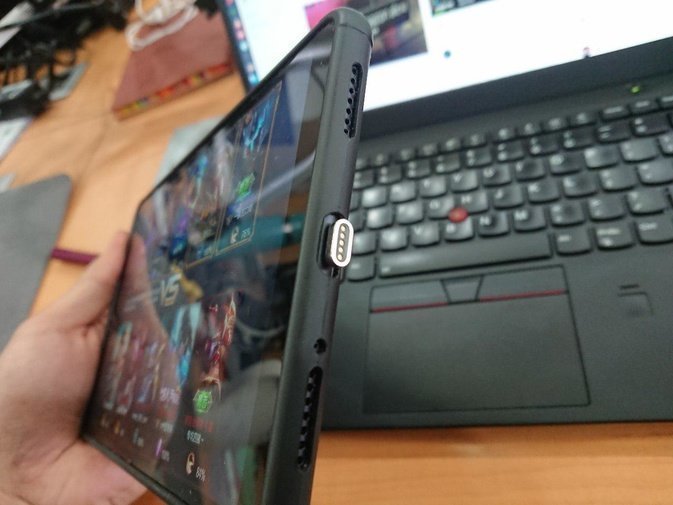
A Type-C magnetic charging connector. Once that connector is plugged in, my palm touches it while gaming. After several days of testing, the touch dropouts were gone completely.
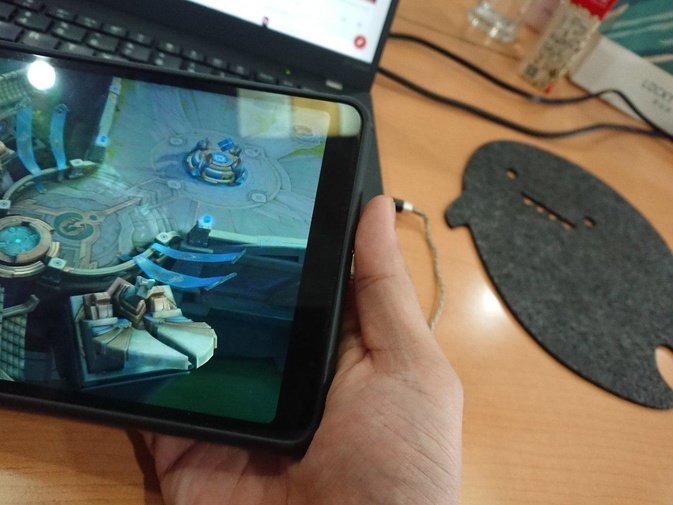
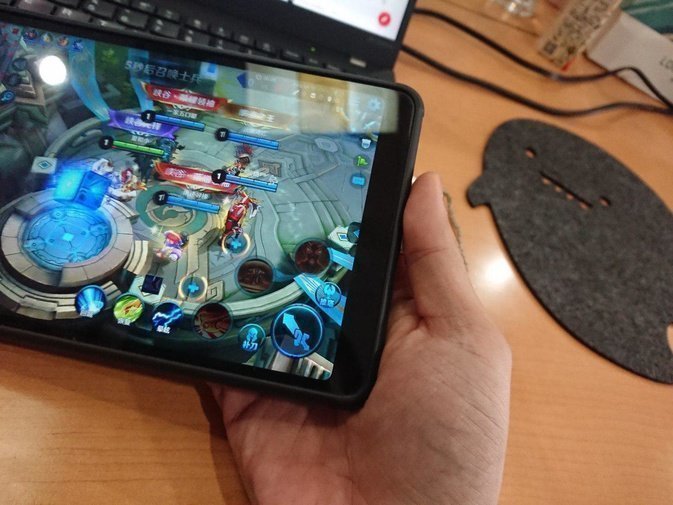
18 yuan solved the problem. Of course, if your tablet still has touch dropouts even with this, then it’s a screen problem — contact after-sales support.
Comments are hosted on the Chinese main site. This mirror is read-only.