ASUS Xonar U7
Using the ASUS Xonar U7 on Ubuntu Linux
After picking up a ThinkPad X250 I paired it with a dock. The dock was an engineering sample. Cheap, but with its share of problems. Most of them I can live with — no triple-monitor output, for instance, which I don’t need anyway. The real killer is that when the machine isn’t plugged into power, external audio picks up a loud hum.
People reported this on the official site and on Youtube. It turned out to be a hardware fault on Lenovo’s end, and only got fixed after Lenovo recalled the thing.
Like I said, though, mine is a cheap engineering sample, so no recall for me. That doesn’t mean there’s no fix. Just get an external sound card…
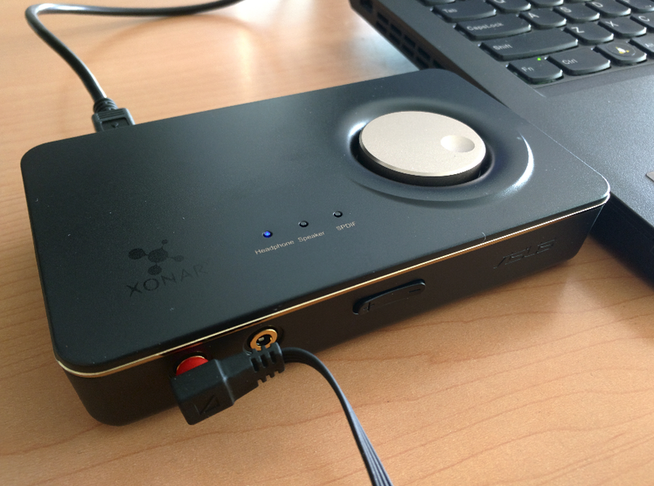
The popular external sound cards are Creative and ASUS, plus a whole bunch of domestic DACs. Being a Linux user, I had to weigh system support first. Creative does have Linux drivers, but they’ve never seemed much good. ASUS, on the other hand, is a component-stacking brand, and the components it stacks are common ones, so driver support is actually decent. Another reason: Creative products have never left a good impression on me — mostly feels like polished outside, rough inside. ASUS gets dunked on constantly, but it seems okay enough.
So I settled on the ASUS Xonar U7.
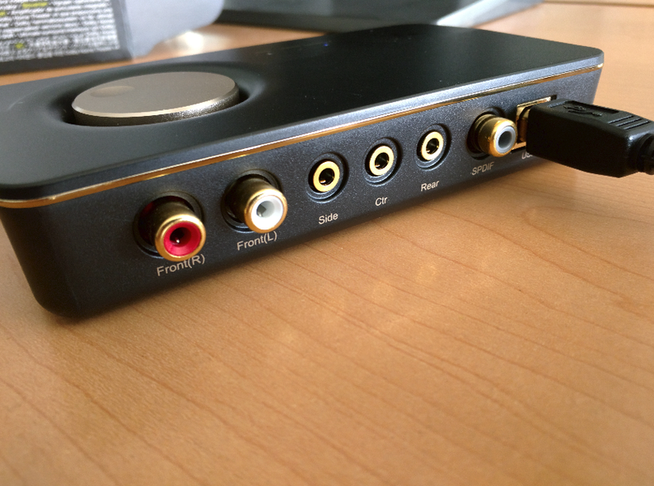
The ASUS Xonar U7 isn’t a professional music sound card. It claims to have a headphone amp module and digital output, but its real purpose is hooking up multimedia gear — above all automatic switching between speakers and headphones. I didn’t go for the popular Aune T1 because, one, its Linux support is unclear, and two, switching is a hassle and it needs its own power supply.
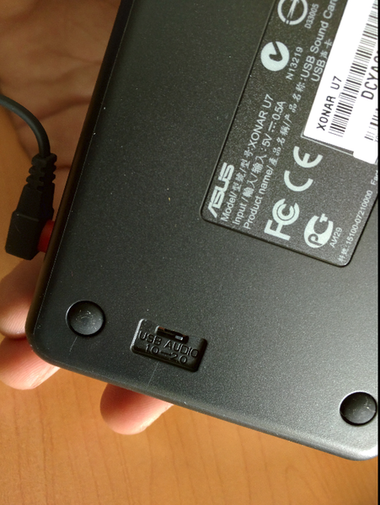
As expected, the Xonar U7 is plug-and-play under Ubuntu Linux 14.04 LTS. But when I tried alsamixer, I hit a problem: it told me the pipe was broken and wouldn’t let me adjust volume details any further.
According to this writeup, it’s a driver-ish bug. The fix is to add a parameter that ignores it — it doesn’t affect normal use anyway.
sudo gedit /etc/modprobe.d/alsa-base.conf
Add a line to the existing config file:
options snd-usb-audio ignore_ctl_error=1
Then restart your alsa service
sudo alsa force-reload
Run alsamixer again and it starts up fine:
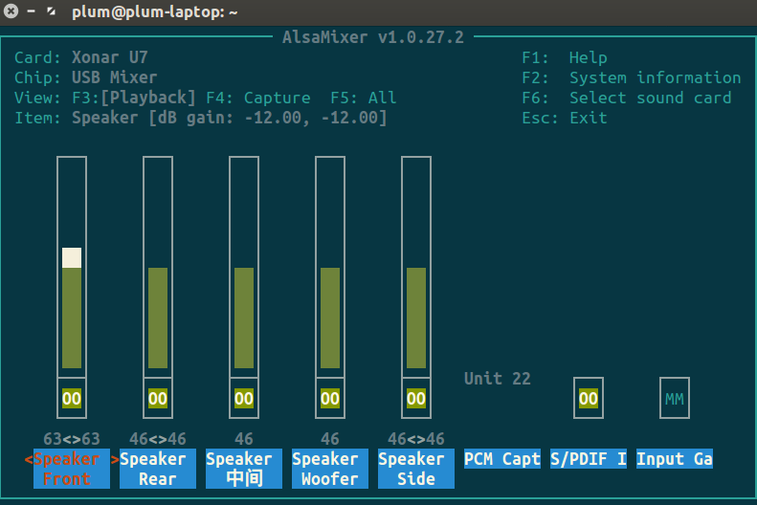
Bottom line: this thing works pretty well. The built-in headphone amp is actually kind of interesting, and it automatically switches between external speakers and front-panel earbuds. Worth noting, though: that dial adjusts the system volume. The Xonar supports 24-bit/192k, and if you want Hi-Res on Linux you can still enable support by following this.
One more thing to complain about: this so-called sound card is way too light. Nothing like the heft of the PHA-2.
Comments are hosted on the Chinese main site. This mirror is read-only.