Repasting and Cleaning a ThinkPad X1 Carbon 2017
This ThinkPad X1 Carbon 2017 of mine has been in service for over a year now, and honestly I’m pretty happy with it. No plans to replace it — maybe next year, if the X1 Carbon still doesn’t have a 4K screen or any big leap forward, there’ll be no reason to upgrade.
But it’s been a year, and lately some weird shit has started happening. Just watching YouTube makes it heat up… like, really hot.
Weird, right? Shouldn’t be doing that. Then again, the thing is a year old, so my guess is the thermal paste is dead… no wait, dried out.
Popped it open and yep, that was it. A bit of dust inside too, nothing a quick clean can’t handle.
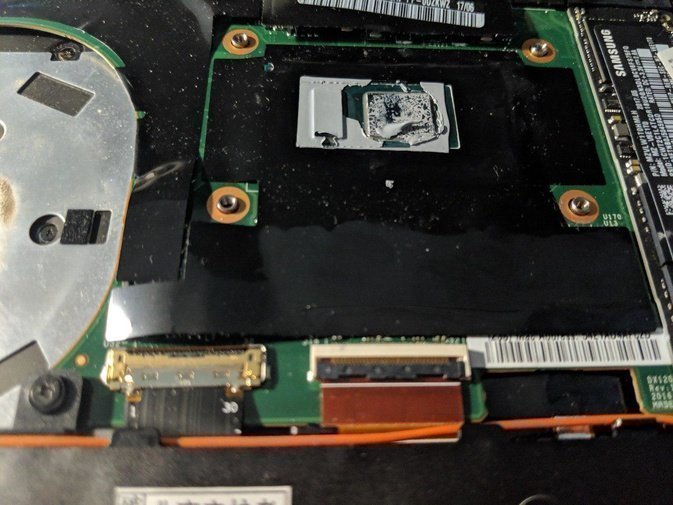
Definitely worth opening it up and swapping it out. The paste had gone hard, which makes cleanup a pain — dampen a cloth with alcohol and wipe carefully.
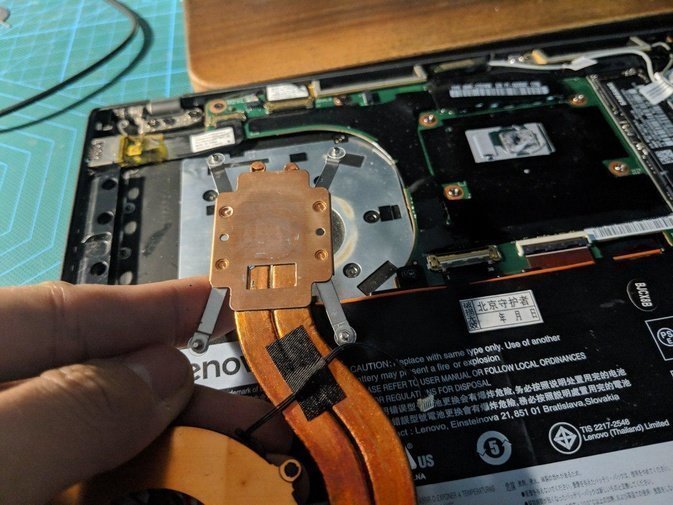
At first I used the newer Laird phase-change paste, T-PCM688, figuring newer should beat older. Then I saw this…
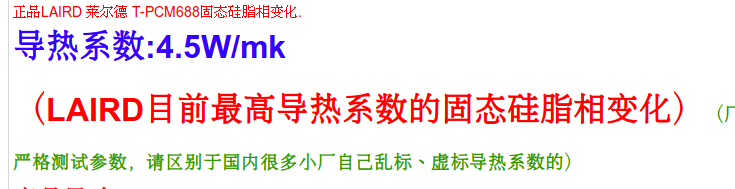
Only 4.5W/mk? What the hell. Switched to Cooler Master immediately.
That one’s rated 11W/mk…
One more thing: when applying paste, only put it on the CPU die. The core next to it should be the northbridge, right? I wouldn’t paste that one. It doesn’t put out much heat, and ThinkPad didn’t give it copper contact in the original design — probably so the CPU’s heat wouldn’t affect it. So we leave it un-cooled.
Whether you’re using phase-change or regular paste, you can just skip the northbridge.
Closed it up and ran a temperature test. Decent improvement — under load it now holds 3.7 GHz, where before it was stuck at 3.6. The 3.9 GHz peak still isn’t sustainable, of course.
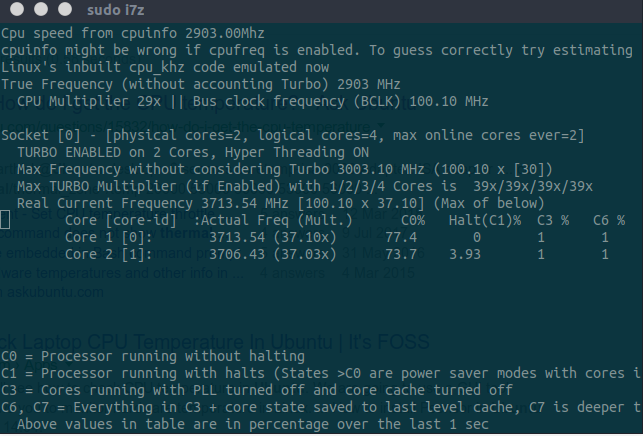
Oh, and I also unlocked the power limit.
Comments are hosted on the Chinese main site. This mirror is read-only.