Redmi Note 3 Screen Replacement
My dad’s Redmi Note 3 developed a yellow blotch on the screen, so I bought a replacement on Taobao and did the swap myself.
Having torn this thing down before, the disassembly went smoothly enough. The screen replacement itself, though? An absolute pain in the ass.

Same as before: pry off the back cover, take it apart. But to swap the screen you have to pull the motherboard and basically the whole stack out, so I’d recommend buying a full assembly — the less you have to replace, the better.
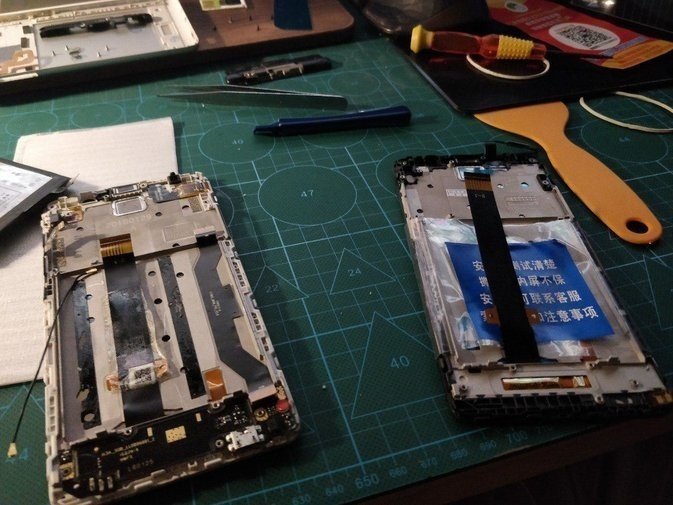
The official guide is here: http://v.youku.com/v_show/id_XMTcyMzM5MTY4MA==.html
Way too much waffle for my taste, but it is thorough.
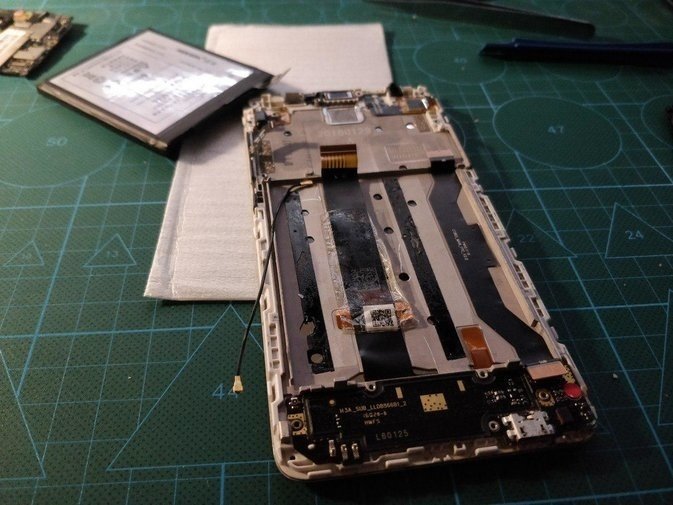
The replacement went fine, and it powered on in the end. Then I found out the vibration motor was dead.
This phone is old as hell, so the motor wouldn’t peel off when I went to remove it. I got a bit forceful and broke it.
Whatever — I’ll grab a new one on Taobao for 7 yuan and swap it in.
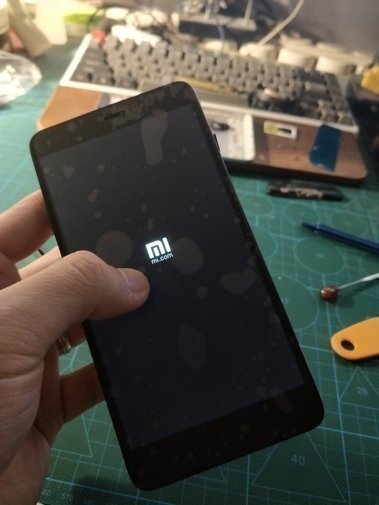
Pretty tragic run, honestly. The only reason I bothered fixing this phone was that no budget handset out there beat the Redmi Note 3 on performance. And not long after I finally got it working, the Redmi Note 7 came out…
Comments are hosted on the Chinese main site. This mirror is read-only.